
You send a document request email. The client replies three days later asking what you need. You clarify. They send half the files. You follow up again. By the time you've collected everything, two weeks have passed and you've sent six emails. This is the workflow at most accounting firms right now, and it's not because anyone prefers it. It's because email is the default and switching to a secure client portal feels like one more system to manage. But the firms that make the switch see document collection time drop by over 70%, which translates to real hours back every single month.
TLDR:
- Client document portals replace email for secure file exchange, with SOC 2 Type 2 certification and end-to-end encryption as baseline security requirements
- Accounting firms using dedicated portals cut document collection time by 71%, which matters for the 69% who report spending excessive time chasing client files
- Average data breach costs hit $4.44M globally and $10.22M in the US, making secure document exchange critical for protecting client data
- Portal adoption depends on removing friction like passwords and tying document requests directly to workflows where close work happens
- Double's Client Portal integrates document collection directly into month-end close workflows, saving firms like McBride CPAs 10+ billable hours monthly
What Is a Client Document Portal and Why It Matters in 2026
A client document portal is a secure online workspace where businesses and their clients exchange files, answer questions, and access shared information without sending sensitive data through email. It serves as a private channel built for document workflows, replacing the back-and-forth of attachments and follow-up threads.
The stakes have grown considerably. With the client portal market reaching $7.95B by 2032 and 89% of accounting firms operating remotely, a secure portal has moved from "nice to have" to baseline expectation. Clients share payroll reports, bank statements, and tax documents regularly. That volume needs a structure that email simply was never built to handle.
Security Standards That Define Trustworthy Document Portals
Not all portals are equal. The gap between a basic file-sharing link and an enterprise-grade portal often comes down to a handful of certifications and features that most people never think to ask about.
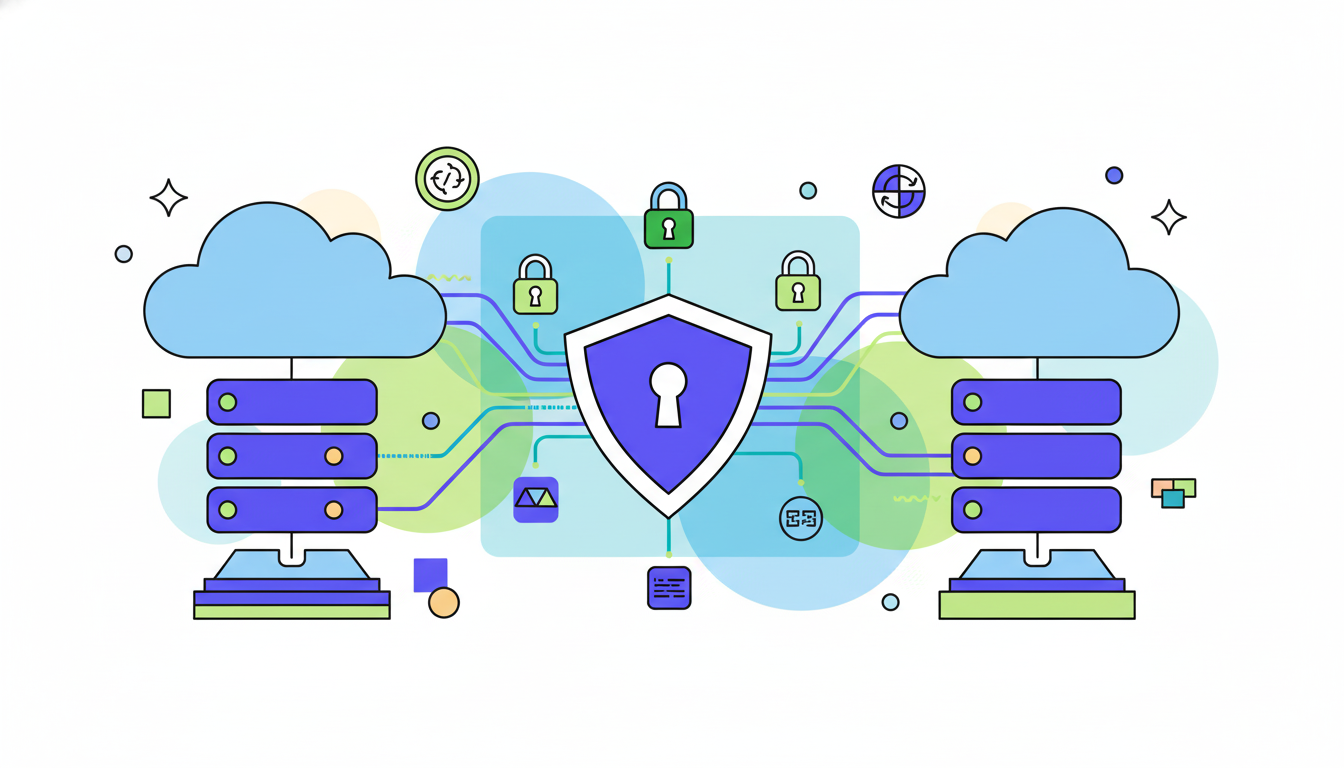
SOC 2 Type 2 certification is the clearest dividing line. Unlike Type 1, which is a point-in-time snapshot, Type 2 covers an extended audit period proving that security controls actually work over time. 78% of enterprise clients now require SOC 2 Type 2 from their service providers, so if a portal cannot produce that certificate, you may lose credibility before a client even uploads their first file.
Beyond certification, three features define the baseline for handling sensitive financial documents:
- End-to-end encryption in transit and at rest, so data is never exposed at any point in the transfer process
- Multi-factor authentication to prevent unauthorized access, even when credentials are compromised
- Full audit trails that log every upload, view, and download with timestamps
Audit trails matter especially for accountants. If a question arises about when a document was received or who accessed it, a timestamped log is your defense.
Security Feature | Why It Matters for Accounting Firms | What to Verify Before Purchase |
|---|---|---|
SOC 2 Type 2 Certification | Proves security controls work over an extended audit period, instead of a single point in time. Required by 78% of enterprise clients and critical for client trust when handling sensitive financial data. | Request the actual SOC 2 Type 2 report and verify the audit period covers at least 6-12 months. Confirm the report is recent and renewed annually. |
End-to-End Encryption | Protects documents both during transfer and while stored on servers, so data is never exposed in readable format even if intercepted or accessed without authorization. | Ask about encryption standards (AES-256 is industry standard) and confirm encryption applies to both data in transit and data at rest, covering both scenarios. |
Multi-Factor Authentication | Prevents unauthorized access even when passwords are compromised through phishing or data breaches. Critical layer of defense for portals containing tax returns, bank statements, and payroll records. | Test whether MFA can be enforced for all users or just made optional. Optional MFA provides minimal protection since most clients won't turn it on voluntarily. |
Full Audit Trails | Creates timestamped records of every document upload, download, view, and access attempt. Critical for regulatory compliance, dispute resolution, and proving when documents were received or accessed. | Request a demo showing the actual audit log interface. Verify it captures user identity, action type, timestamp, IP location, and cannot be edited or deleted after the fact. |
Role-Based Access Controls | Controls which team members on the accounting side can view, edit, or manage specific client accounts and files. Limits exposure when staff have different responsibilities, restricts access for junior employees, and protects sensitive client financials if someone leaves the firm. | Check what employee roles are available (such as admin, staff, or reviewer) and whether access can be restricted by client or task type. Confirm that revoking a team member's access takes effect immediately and that audit logs show which employee accessed which files and when. |
Document Collection Challenges Facing Accounting Firms
69% of accountants report spending excessive time gathering documents from clients, and firms that switch to dedicated client portals cut that collection time by 71%. That gap represents real hours every month.
The pattern is familiar: a client sends one document over email, another through a text message link, a third as a photo attachment. By the time you check what arrived against what you actually need, you've lost a morning. Missed deadlines follow, as do compliance risks when documents land in unencrypted inboxes.
Without a centralized workflow, every document request starts from scratch. There's no record of what was sent, no reminder system, and no single place to confirm whether a file ever arrived. Firms don't fail their clients intentionally. They simply run out of infrastructure before they run out of clients.
How Data Breaches Impact Professional Services
The numbers make a compelling case for taking document security seriously. Average data breach costs hit $4.44M globally, while US organizations faced an even steeper $10.22 million per incident. For a small or mid-sized accounting firm, a single breach can be a firm-ending event.
Professional services firms are high-value targets. They hold tax records, payroll data, bank statements, and financial projections across dozens or hundreds of clients. A breach in one client's file potentially exposes many others.
Regulatory scrutiny follows quickly. GDPR, HIPAA-adjacent financial regulations, and state-level privacy laws each carry their own penalties, and regulators rarely accept "we used email" as a satisfying answer. Insecure document exchange is the specific vulnerability that auditors, regulators, and breach investigators look at first.
Key Features to Look for When Selecting Portal Software
Some features solve real problems. Others look good in a sales demo and collect dust. Knowing the difference saves you from paying for tools your clients will never touch.
The must-haves that solve actual bottlenecks:
- End-to-end encryption, both in transit and at rest, so sensitive files stay protected throughout the entire transfer process
- Role-based permissions so clients only see their own files, not those belonging to other accounts
- Full audit trails with timestamps on every action, which matters for compliance and accountability
- Automated reminders that follow up on outstanding document requests without you chasing manually each week
- Mobile accessibility, since many clients respond faster on their phones than at a desk
E-signature support moves from nice-to-have to necessary if you send engagement letters, authorization forms, or any document requiring sign-off. Without it, you're back to email the moment a signature is needed.
Two features get underestimated consistently: automated reminders and white-label branding. Reminders reduce the manual follow-up that consumes hours each month. Branded portals build trust with clients who might otherwise hesitate to upload sensitive documents to an unfamiliar URL.
Integration Requirements for Accounting Workflows
A portal that lives in isolation from your accounting software just moves the manual work somewhere else.
The question worth asking any vendor is simple: what happens after a client uploads a document? If the answer involves downloading, re-uploading, or copying data into another system by hand, that's a detour.

For accounting firms, the integrations that actually matter are:
- QuickBooks Online and Xero, so documents and communications tie directly to the close workflow
- Tax software compatibility for firms that handle both bookkeeping and filing
- Practice management tools, so client requests don't live in a separate silo from task tracking
Depth matters more than breadth here. A shallow connection that syncs nothing useful is worse than no integration at all, because it creates false confidence that systems are communicating when they aren't.
Client Adoption Strategies That Drive Portal Usage
Getting clients onto a portal is a behavior change problem, not a tech problem.
The most common failure mode: firms launch a portal, send one announcement email, and assume adoption follows. It doesn't. Clients default to email because it requires zero learning. Switching that habit takes a deliberate push, not a passive invitation.
A few approaches that actually move the needle:
- Frame the portal around client benefit, not firm convenience. "Upload here so your documents stay secure" lands better than "we prefer you don't email attachments."
- Remove password friction where possible. Portals that require no login see higher first-use rates.
- Keep the initial request simple. Ask for one document through the portal before expecting clients to manage their entire file history there.
- Set automated reminders so follow-up doesn't depend on you remembering manually.
Password fatigue is real. If logging in feels like a chore, clients revert to texting you a photo of their bank statement. Choosing software with low-friction access, like magic links or branded URLs clients recognize, reduces that drop-off.
How Month-End Close Management Uses Secure Document Exchange
Secure document collection only pays off when it connects to the work that depends on those documents. For bookkeeping practices, that work is the close.
When client questions, file requests, and uploaded documents live in a separate tool from reconciliations and journal entries, you're managing two workflows instead of one. A bank statement arrives in the portal, then gets downloaded, then gets referenced manually in another system. The document arrived securely. The process still broke down.
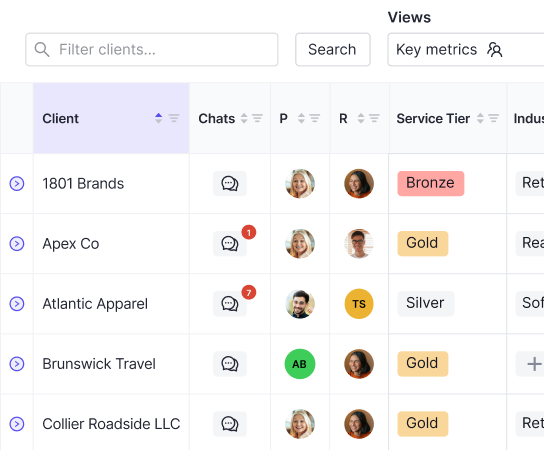
Double's Client Portal sits inside the same close workflow where reconciliations and journal entries happen. Document requests tie directly to specific close tasks, so when a client uploads a payroll report or bank statement, it lands in context, not in a generic inbox. Every response, upload, and follow-up creates an audit trail without any extra steps.
McBride CPAs recovered 10+ billable hours monthly by routing transaction questions and automated reminders through the portal instead of email. Emma's Balanced Books cut month-end close time by 25% using Double's Client Portal alongside standardized templates. The time savings come from removing the gap between where documents arrive and where close work gets done.
Final Thoughts on Document Security and Workflow Integration
You need a client portal that your clients will actually use and your team won't have to work around. Security matters, but so does removing the gap between where files arrive and where your close work happens. The best software solves both without requiring your clients to memorize another password or forcing your team to download and re-upload documents into separate systems. If you want to see how Double connects document collection directly to month-end close tasks, book a demo and we'll show you a workflow that actually saves time.