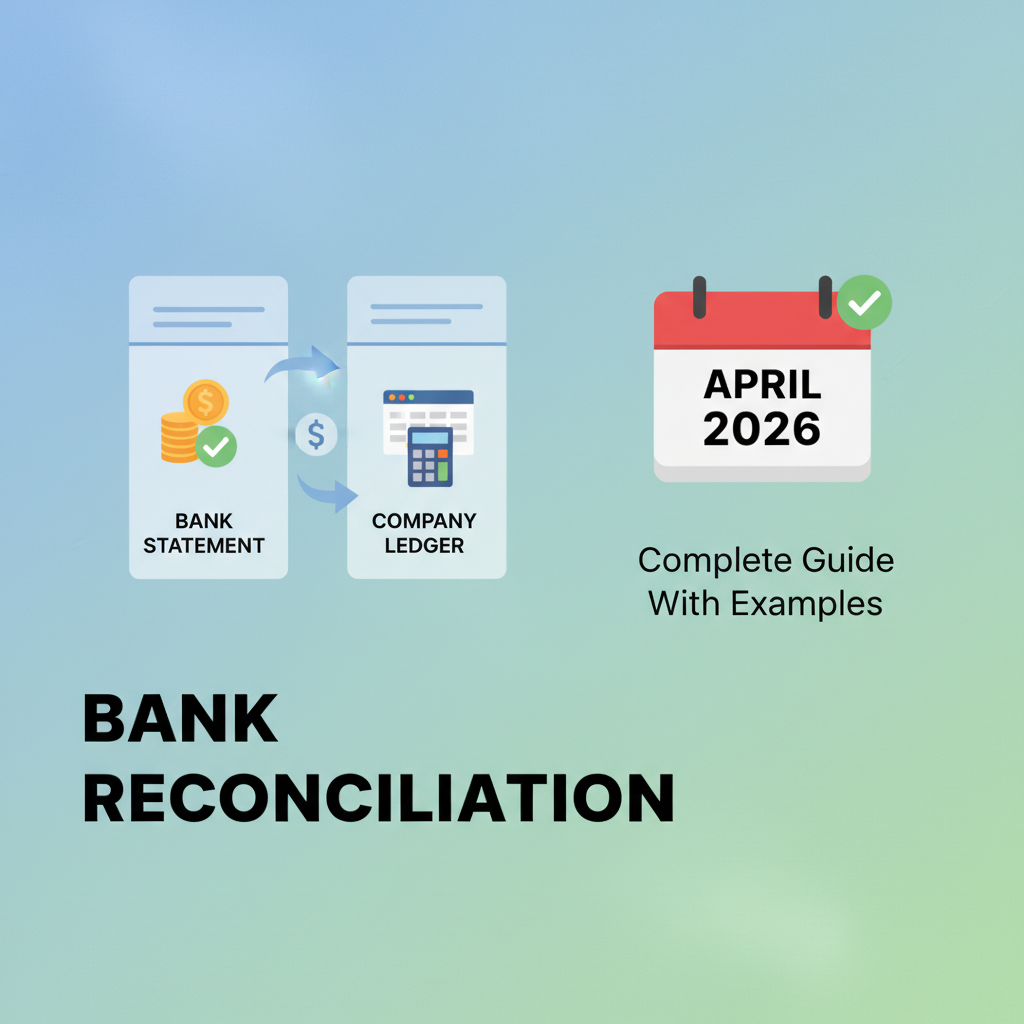

Every month, your recorded cash balance and your bank statement tell different stories. Checks you wrote two weeks ago still haven't cleared, the bank charged fees you didn't log, and yesterday's deposit hasn't posted yet. Bank reconciliation lines up both records by identifying what's missing on each side and calculating the adjusted balances. I'll break down the exact format and show you working examples.
TLDR:
- Bank reconciliation matches your internal records against bank statements to catch fraud, errors, and timing issues before they compound
- Manual reconciliation consumes 8 days monthly per business; automation reduces this to 3 days with higher accuracy
- Outstanding checks, deposits in transit, and unrecorded fees are the most common discrepancies you'll encounter
- Match accounts monthly at minimum, weekly for high-volume accounts, and separate recording duties from reconciliation tasks
- Double automates transaction matching through AI-powered bank feeds that sync directly with your ledger and flag discrepancies instantly
What Is Bank Reconciliation
Bank reconciliation is the process of comparing your internal accounting records with your bank statement to confirm every transaction is accurate and accounted for. The core question it answers: does your recorded cash balance match what's actually in your account?
Differences arise regularly. Checks haven't cleared yet, deposits are in transit, bank fees weren't recorded, or customer payments bounced. Bank reconciliation catches these variances before they become bigger issues, turning two separate records into one verified view of your cash position.
Why Bank Reconciliation Matters for Your Business
Without regular bank reconciliation, businesses face blind spots that create financial and business risks.
Fraud typically appears on bank statements before internal systems flag it. Unauthorized transactions, duplicate payments, and check fraud surface during monthly reconciliations when charges can still be disputed and funds recovered.
Recording errors occur on both sides. Duplicate entries, incorrect payment amounts, and bounced checks that still show as received compound across periods without reconciliation. Early detection prevents financial restatements and tax season complications.
Accurate cash flow management depends on verified balances. Books may show $50,000 while $15,000 in outstanding checks remains uncleared, creating misleading availability figures.
Auditors and lenders require documented reconciliations. Missing this control delays financing, increases borrowing costs, and damages credibility during due diligence.
How to Perform Bank Reconciliation: Step-by-Step Process
Start by gathering your bank statement and internal ledger for the same period. Place the ending balance from each record side by side.
Compare every transaction line by line. Mark items that appear in both records as cleared. This includes deposits, withdrawals, checks, and electronic transfers that match exactly on date and amount.
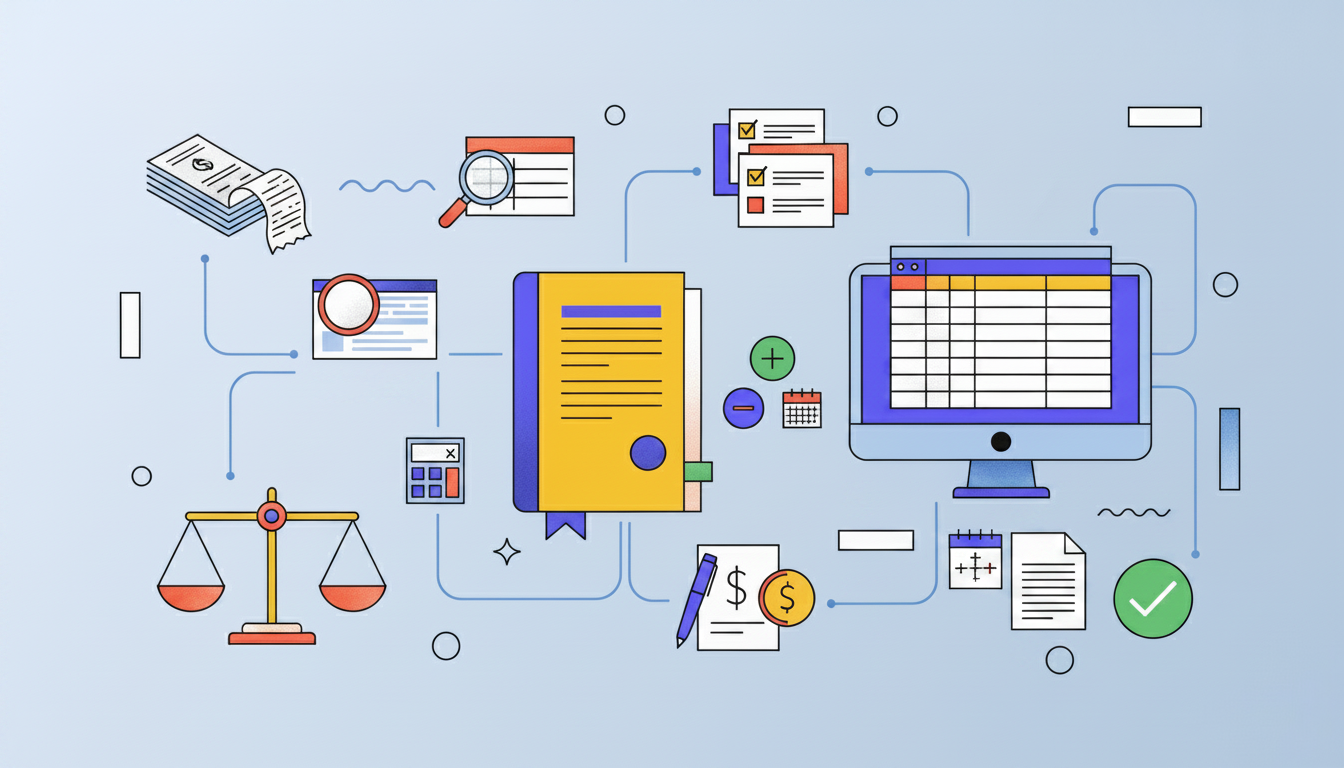
Identify timing differences next. Outstanding checks show in your books but haven't cleared the bank yet. Deposits in transit appear in your records but not on the statement. List these separately.
Note bank-side items you haven't recorded: monthly fees, interest earned, NSF charges, or automatic payments. Add these to your internal books with corresponding journal entries.
Calculate the adjusted balances. Start with your book balance, add unrecorded deposits and interest, subtract unrecorded fees and charges. Then take your bank statement balance, add deposits in transit, subtract outstanding checks. Both adjusted figures should match exactly when reconciliation is complete.
Common Bank Reconciliation Discrepancies and How to Resolve Them
Discrepancies fall into predictable categories. Timing differences are most frequent: outstanding checks reduce your bank balance but already appear in your books, while deposits in transit show in your ledger before the bank processes them. Both clear within days and need documentation for verification.
Type of Discrepancy | Cause | Resolution Steps |
|---|---|---|
Timing Differences | Outstanding checks reduce bank balance but appear in books; deposits in transit show in ledger before bank processes them | Document items for verification; typically clear within days without additional action needed |
Bank Fees and Interest | Monthly service charges, overdraft fees, wire transfer costs, and earned interest go unrecorded until statement review | Create journal entries to update internal records with all bank-initiated charges and credits |
Data Entry Errors | Transposed digits change amounts (e.g., $1,450 to $1,540); decimal mistakes multiply by 10x (e.g., $100.00 to $1,000.00) | Compare ledger entries against source documents; verify amounts character by character when figures are close but inexact |
Duplicate Transactions | Payments record twice or deposits enter through both cash receipts and automated bank feeds | Compare transaction dates and amounts across records; void the duplicate entry in accounting system |
NSF (Non-Sufficient Funds) Checks | Customer checks bounce due to insufficient account funds | Reverse the original deposit, record bank charges, and follow up with customer for payment owed |
Bank fees and interest often go unrecorded until statement review. Monthly service charges, overdraft fees, wire transfer costs, and earned interest require journal entries to update internal records.
Data entry errors create mismatches. Transposed digits turn $1,450 into $1,540. Decimal mistakes change $100.00 to $1,000.00. Check your ledger against source documents when amounts are close but inexact.
Duplicate transactions occur when payments record twice or deposits enter through both cash receipts and bank feeds. Compare transaction dates and amounts across records, then void the duplicate.
NSF checks require two corrections: reverse the original deposit and record bank charges. The customer still owes payment.
Bank Reconciliation Statement Format and Examples
A bank reconciliation statement documents the adjustments needed to match your internal records with your bank balance. The format follows a two-sided structure showing how each starting balance arrives at the same final figure.
Standard format structure:
- Cash balance per bank statement, adjusted by adding deposits in transit and subtracting outstanding checks to arrive at adjusted bank balance
- Cash balance per books, adjusted by adding interest earned and unrecorded deposits while subtracting bank fees, NSF checks, and errors to arrive at adjusted book balance for your month-end close checklist
When complete, both adjusted balances match exactly. This verified figure represents your true cash position.
Simple example: Your books show $9,500 while the bank statement shows $9,200. You have $800 in deposits in transit, $1,000 in outstanding checks, and $500 in unrecorded bank fees. The bank side adjusts to $9,000 ($9,200 plus $800 deposit in transit, minus $1,000 outstanding checks). Your book side adjusts to $9,000 ($9,500 minus $500 unrecorded bank fees). Both adjusted balances match at $9,000.
Manual vs. Automated Bank Reconciliation
Manual reconciliation involves printing statements, marking matching transactions, and calculating adjustments by hand. The process takes hours monthly per account and introduces errors through transposed numbers, missed items, and calculation mistakes. Manual bank reconciliation statements contain errors 15-25% of the time.
Automated reconciliation connects directly to bank feeds and accounting systems through bookkeeping automation. Software matches transactions against ledger entries, flags discrepancies, and calculates adjusted balances automatically. What took hours completes in minutes with higher accuracy.
The scalability gap widens as transaction volume grows. Five bank accounts require five times the manual effort, while automated systems handle 50 accounts as easily as five once initial setup completes.
Human review stays necessary with automation. Software surfaces exceptions requiring judgment: unusual transactions, potential duplicates, or categorization questions. You spend time investigating issues instead of performing mechanical matching work.
Time and Cost Impact of Bank Reconciliation
Finance teams spend an average of 8 days per month on manual reconciliation when relying on spreadsheets and printed statements. This represents 40% of available working time consumed by a single accounting function.
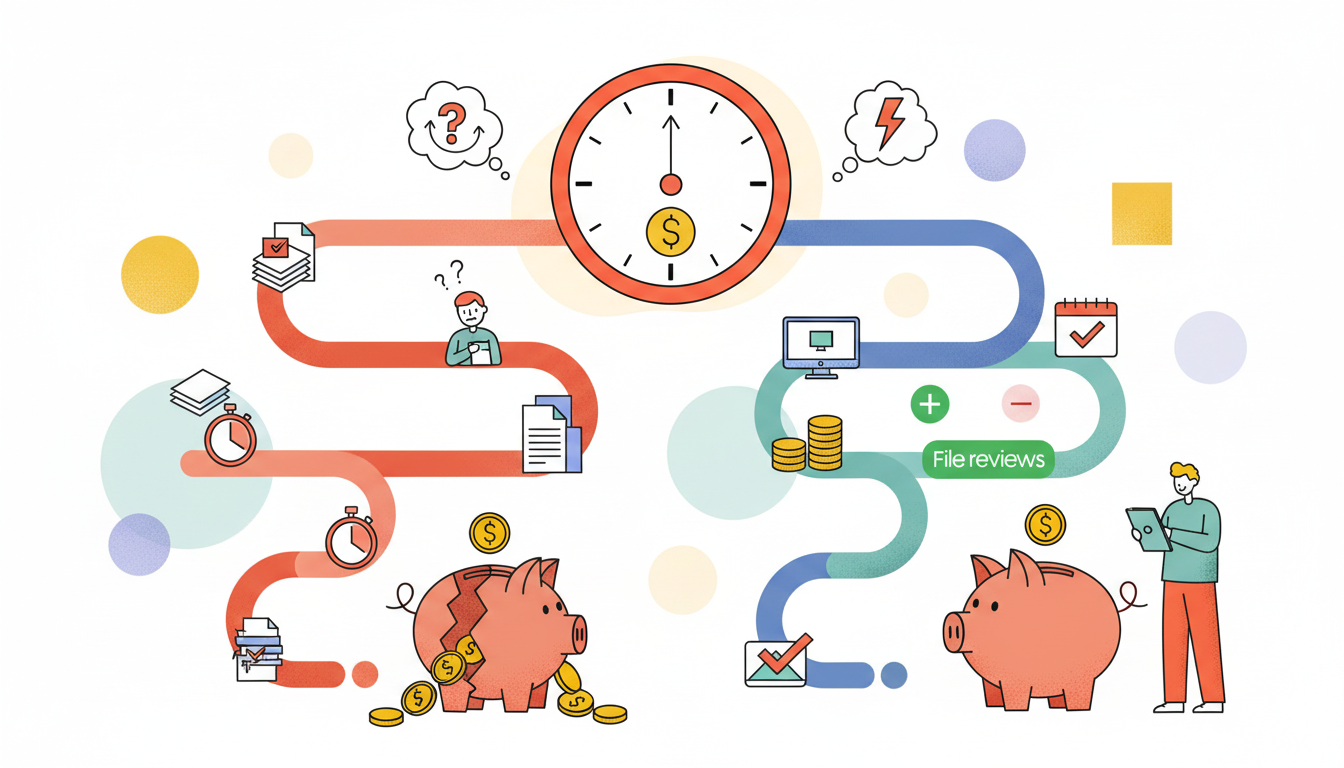
Automated reconciliation reduces this to approximately 3 days monthly, freeing 5 days for analysis, advisory work, and financial planning. For a bookkeeping practice managing 50 clients, this translates to 250 hours monthly redirected from matching transactions to higher-value services.
The cost implications extend beyond time. Manual processes require redundant verification to catch errors, creating review bottlenecks where senior staff personally validate work completed by junior team members.
Bank Reconciliation Best Practices
Match accounts monthly at minimum. Weekly reconciliation catches errors faster and prevents small issues from compounding. High-volume businesses benefit from daily reconciliation on primary operating accounts.
Document every adjustment with supporting evidence. Attach bank statements, deposit slips, and cleared check images to reconciliation records. Note the preparer, reviewer, and completion date on each reconciliation.
Separate transaction recording from reconciliation duties. The person entering transactions shouldn't verify the same accounts they maintain. Different team members handling these tasks catch errors and deter fraud.
Require review workflows before marking reconciliations complete. Senior staff verify outstanding items are legitimate, adjustments have proper support, and final balances tie correctly.
Bank Reconciliation Templates and Tools
Templates range from basic spreadsheets to purpose-built reconciliation formats. Excel templates offer formulas that calculate adjusted balances automatically once you enter transactions and adjustments. Word and PDF formats work for documentation and printing but require manual calculations.
Effective templates include starting bank balance, starting book balance, sections for outstanding checks and deposits in transit, fields for unrecorded bank charges and interest, and calculated adjusted balances that verify accuracy through matching totals.
Choose based on complexity and volume. Simple businesses with one account and minimal monthly transactions manage fine with basic spreadsheet templates or bookkeeping workflow software. Multiple accounts or high transaction volumes benefit from automated reconciliation software that connects bank feeds directly to accounting systems.
How AI Simplifies Bank Reconciliation at Double
Double's AI Bank Feeds organize transactions into four confidence-based stages that remove line-by-line matching work. Potential matches identify items tying directly to your ledger. Rules apply flexible logic (multiple rules can run on the same transaction) with automatic vendor grouping for bulk approval. Auto-classifications suggest categories based on historical coding patterns. Items needing review receive suggested categorizations from vendor lookups.
This happens inside your close workflow where reconciliation tasks powered by AI workflows already live. When outstanding items won't tie out, click "Analyze Difference" and upload your statement. Double identifies timing issues, duplicates, or missing transactions.
You review exceptions with full context instead of hunting through records. Changes sync back to your ledger in real time.
Final Thoughts on Bank Reconciliation
You can't manage cash flow accurately when outstanding checks and timing differences create blind spots in your records. The bank reconciliation process verifies every transaction matches between your ledger and bank statement, catching fraud and errors while they're still fixable. Three best practices make this easier: match accounts at least monthly, attach supporting documents to every adjustment, and separate transaction entry from verification duties. Schedule a demo to see how Double's AI surfaces exceptions worth your attention instead of making you match line items manually.