
Most practice management tools tell you what needs to happen and track whether it did, but the actual accounting still lives in QuickBooks, spreadsheets, or wherever your team closes the books. If you're weighing a Double vs Karbon choice, the real divide is about integration depth: whether your software can categorize transactions, post journal entries, and clear reconciliations inside the system, or if it just hands you a prettier to-do list. For bookkeeping firms, that gap costs real hours every month.
TLDR:
- Double executes accounting work where Karbon only tracks it: categorize, close accounts, and post without switching tabs.
- Firms report saving 30-50% per close because Double's AI handles bank feeds, journal entries, and accruals automatically.
- Per-client pricing ($10-$50 monthly) scales with revenue, not headcount like Karbon's $59+ per user.
- QuickBooks and Xero sync bidirectionally in real-time, so finishing your checklist means the close is done.
- Double unifies month-end close management and client communication for bookkeeping firms and CAS teams.
What is Karbon?
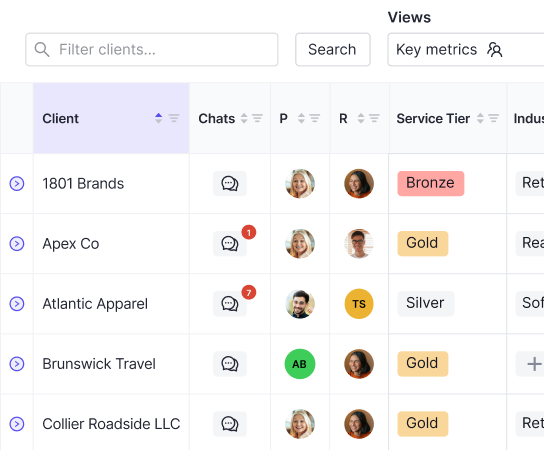
Karbon is a practice management tool built for accounting firms. It brings together email, tasks, and client information in one place, helping teams stay organized across bookkeeping, tax preparation, and advisory work. If your firm has struggled with scattered inboxes and no clear view of who owns what, Karbon was designed with that problem in mind.
The tool offers three plans: Team at $59/user/month, Business at $79/user/month, and Enterprise at custom pricing. Workflow automation, team collaboration, and client data management are core to what it does.
Where Karbon focuses on organizing work and communication across a firm, it stops short of actually executing the accounting itself. To understand the broader category, see our guide on what practice management software is designed to do. It tracks tasks well, but the close still happens somewhere else. That distinction matters more than it might seem, and it shapes everything about how the two tools compare.
What is Double?
Double is a practice management tool for bookkeeping firms and accounting teams. It connects directly to QuickBooks Online and Xero, so instead of tracking work in one place and doing it in another, everything happens in one workflow. Bank feed categorization, journal entries, accruals, reconciliations, client communication: all of it lives where your ledger data actually is through integrated bookkeeping workflow software.
The AI built into Double is purpose-built for accounting work. It categorizes transactions, flags inconsistencies, suggests variance explanations, and helps prepare journal entries from complex source documents. The goal is fewer manual steps, not a prettier checklist.
Pricing
Pricing is per-client at $10, $25, or $50 per month depending on close complexity, with no user fees and no seat-based costs. That structure mirrors how firms bill their own clients, so as your book of business grows, costs scale predictably. There is no penalty for adding team members, and no enterprise rollout required to get started.
Feature | Double | Karbon |
|---|---|---|
Primary Focus | Month-end close execution, bookkeeping automation, and tax planning with deep ledger integration | Practice-wide coordination and workflow tracking across tax prep, audit, advisory, and bookkeeping services |
QuickBooks and Xero Integration | Bidirectional real-time sync at the transaction level: categorize, match transactions, post journal entries, and manage accruals directly in the system | Surface-level integration that pulls client data for task organization, but accounting work still happens in QBO or Xero separately |
Workflow Execution | Executes the close: AI bank feeds with composable rules, automated journal entries, accrual schedules, reconciliation diagnostics all complete the work where ledger data lives | Tracks and coordinates workflows with templates and triggers, but does not execute accounting tasks; you still close books in QuickBooks and spreadsheets |
Pricing Model | Per-client pricing at $10, $25, or $50 monthly based on complexity, with no user fees or software charges | Per-user pricing starting at $59 monthly; costs increase with every team member regardless of client growth |
Client Communication | Context-aware portal integrated into close workflow: ask transaction questions inline, automated document requests, W-9 collection with branded pages, no login required | Consolidated email management with shared team inbox and client portal for document uploads and progress tracking, separate from accounting work |
Best For | Bookkeeping practices and CAS teams seeking 30-50% time savings per close, capacity growth without headcount expansion, and execution in one system | Multi-service accounting firms needing complex workflow coordination across diverse service lines with centralized email and practice-wide task management |
QuickBooks and Xero Integration Depth
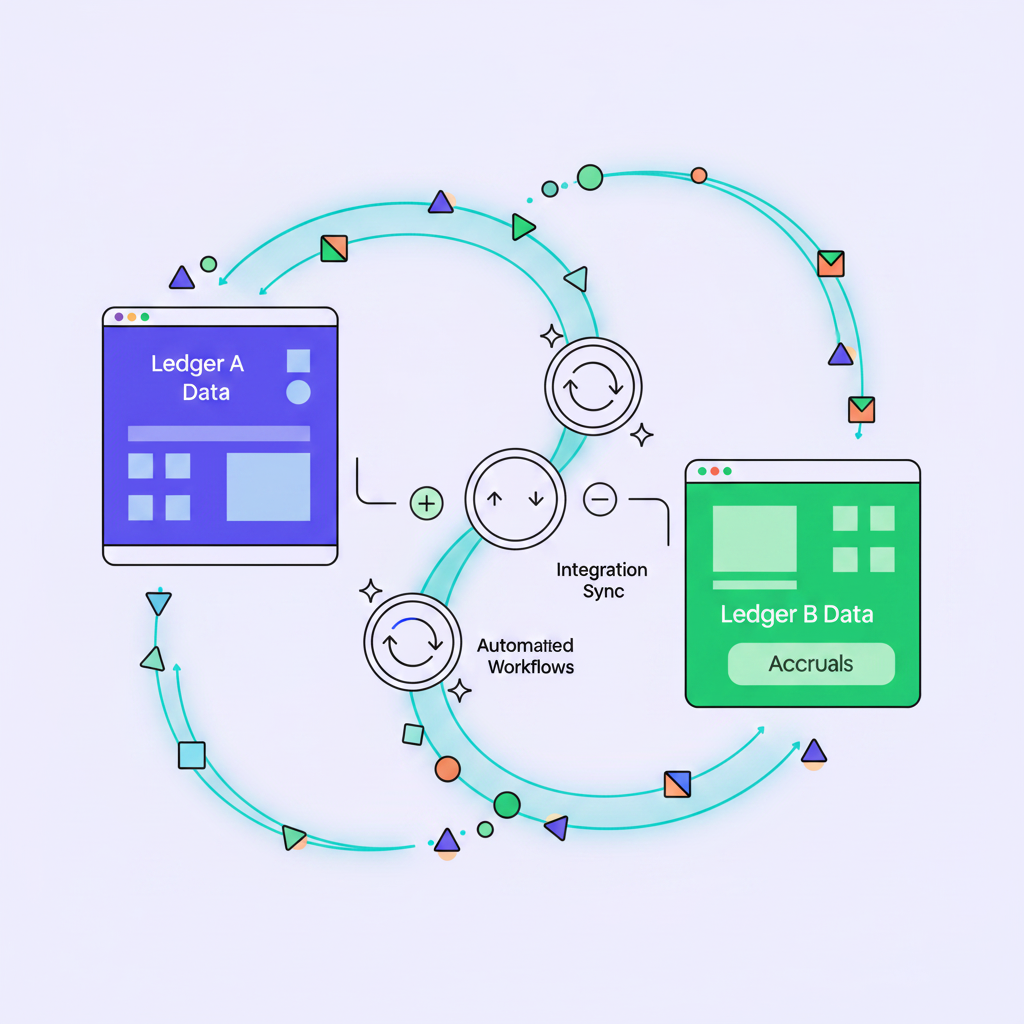
Karbon connects to QuickBooks Online and Xero, but the integration is surface-level. It pulls in client data to help organize tasks and communications, but the actual accounting work still happens inside QBO or Xero directly. You're managing the checklist in one tab and doing the work in another.
Double's integration goes much deeper. Changes sync bidirectionally in real-time, so when you categorize a transaction, post a journal entry, or clear a match inside Double, it's already done in QuickBooks or Xero. No toggling. No second-guessing whether it synced.
The practical difference shows up fast. Double's AI bank feeds use composable rules, meaning multiple rules can run on the same transaction simultaneously, something QBO itself can't do. Account matching diagnostics, accrual schedules, variance analysis: all of it runs with live ledger data as the foundation. Finish your task list and the close is done.
Workflow Automation and Close Execution
Karbon automates repeatable workflows well. You can build templates, set triggers, and route work across service lines, whether that's tax prep, audit, or advisory. For firms running multiple service offerings with branching logic across teams, it handles that complexity. Research shows that integrated workflows increase accounting speed by reducing software gaps. The tradeoff is a steeper learning curve that demands real training time upfront before your team gets value out of it.
What Karbon does not do is execute the accounting. It tells you what needs to happen and tracks whether it did. The actual work still lives in QuickBooks, spreadsheets, or wherever your team goes to close the books.
Double takes a different approach. The close is done here, period. Here's what that looks like in practice:
- AI-powered bank feeds sort transactions into four stages: potential matches, rules, auto-classifications, and needs review.
- Composable rules let multiple conditions run on a single transaction simultaneously, a level of flexibility that QBO's native rule engine does not offer.
- Complex source documents like payroll exports or payment processor files get converted into balanced journal entries without manual extraction.
- Accrual schedules run automatically with full audit trails attached.
Automating accounting firm workflows reduces cognitive load and maintains clean financial data. Finishing your checklist means the close is actually finished. No tab-switching, no verifying whether tasks synced, no rebuilding work in a second system. That's where the documented 30-50% time savings per close come from. For bookkeeping firms, that recovered capacity is the difference between taking on new clients or staying stuck at capacity.
Client Communication and Portal Capabilities
Karbon's communication approach is built around consolidating email. It integrates with Gmail and Microsoft 365 to create a shared team inbox, so client messages don't get buried in individual inboxes. Clients get a portal to view progress, upload documents, and exchange messages with their team. For firms whose biggest pain is inbox chaos, that's a real improvement.
The limitation is that communication still lives separately from the accounting work. A client question about a transaction gets handled in the inbox, while the transaction itself sits in QuickBooks: two places, two contexts.

Double's client portal is built into the close workflow. From the bank feed or reconciliation screen, you can ask a client a question directly in context, without leaving what you're doing. Clients respond through a branded portal that requires no login and no app download. They see only what needs their attention, which keeps response rates high.
The portal handles document collection, W-9 requests, report sharing, and transaction questions, with automated reminders so nothing falls through. Custom-branded pages go out for W-9 collection with a secure return link for signed copies. For firms that dread January's 1099 scramble, that alone saves real hours.
For teams on the Premium plan, there's a unified inbox with integrated email and text for outbound communication too. A question about a transaction links to that transaction. A document upload lands where it's needed. Communication is part of the close, not a separate layer on top of it.
Pricing Models and Firm Growth Economics
Karbon's pricing starts at $59 per user per month. A 10-person team pays roughly $590 per month, and that number climbs with every new hire, regardless of whether your client base grew.
Double charges per-client instead: $10, $25, or $50 monthly based on client complexity, with no user fees attached. Bring on a new bookkeeper and your software cost stays flat.
There are a few reasons this matters for growing firms:
- Per-user pricing penalizes headcount growth, meaning you pay more to serve the same clients just because your team expanded.
- Per-client pricing ties software costs to revenue-generating activity, so costs scale in proportion to what the firm actually earns. This pricing model supports strategies for how to grow your accounting practice without runaway costs.
- For a firm scaling from 30 to 100 clients, the math compounds quickly in Double's favor.
Why Double is the Better Choice
Karbon fits firms where tax prep, audit, and advisory all run simultaneously and need coordinated workflows across teams. It has earned its place as a widely adopted practice-wide coordination tool.
But if month-end close is your core service, Karbon asks you to track work in one place and do it somewhere else. That gap costs time every single month.
Double is built for bookkeeping practices and CAS teams that want to close faster and grow without constantly hiring. The QuickBooks and Xero integrations go to the ledger level. The AI bank feeds, accruals, and reconciliation tools execute the work instead of just logging it. Per-client pricing scales with revenue, not headcount. And the 30-50% documented time savings per close translate directly into capacity for more clients. Learn more about squashing capacity constraints to unlock firm growth.
If your goal is a leaner, faster close and a book of business that can actually grow, Double is the clearer fit.
Final Thoughts on the Right Tool for Month-End Close
If your firm's revenue comes from bookkeeping and close work, the comparison between Karbon and Double reveals a fundamental split in how they approach the problem.