
Last updated: August 2026.
Accounting CRM software should let you execute close work and client communication in one workflow, not send you back to QuickBooks to fix every problem it surfaces. That switching is where hours disappear each close cycle. This guide compares the tools accounting firms actually shortlist, judged on real two-way ledger sync, AI automation for bank feeds and accruals, and pricing that scales with clients instead of team headcount. If your practice manages a portfolio of clients, the sections below map each option to the workflow it fits best.
TLDR:
- Accounting CRM software goes beyond contact tracking to manage month-end close, workflow automation, and ledger integration
- Double saves firms 30-50% of their time per close through two-way QuickBooks/Xero sync and AI-powered transaction handling. According to Rightworks, firms actively using AI report 37% higher revenue per employee compared to those not using it
- Most tools force you to track work in one system and execute it in another, creating constant switching
- Per-client pricing models scale with revenue growth, while per-user pricing penalizes team expansion
- Double executes work directly in the system through AI bank feeds, automated accruals, and close management tools
What Is Accounting CRM Software?
Generic CRM tools track contacts and deals. Accounting CRM software does something different: it manages the ongoing work of serving clients month after month, close after close.
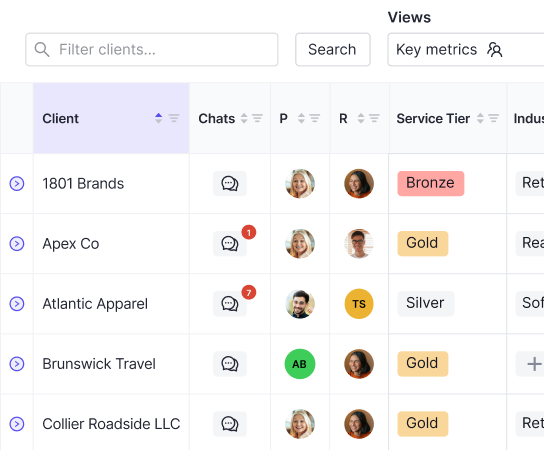
Think of it as practice management with real depth. Beyond storing client records, accounting CRM software handles workflow automation, task tracking, client communication, and often direct integration with your ledger. Where Salesforce or HubSpot stops at the relationship, accounting-specific tools go deeper, pulling in due dates, reconciliation status, document requests, and close progress across your entire client portfolio.
The "CRM" label can be misleading, though. The best tools in this space are really workflow and close management systems first, with client visibility built on top. While accounting firms benefit from CRM capabilities, the unique demands of month-end close require deeper integration than traditional relationship management provides.
How We Ranked Accounting CRM Software
Not every tool deserves the same criteria. Accounting firms have specific needs that generic software comparisons miss entirely.
Each solution was assessed across six factors:
- Depth of QuickBooks and Xero integration (two-way sync vs. surface-level connection)
- Month-end close automation capabilities
- Client communication tools built into the workflow
- Pricing structure that does not penalize firm growth through per-user fees
- Ease of implementation for small-to-mid-size teams
- Whether you can actually execute work inside the system, or just track it elsewhere
That last point matters more than it sounds. A tool that shows you what's overdue but forces you back into QuickBooks to fix it adds friction, not control. The best accounting CRM software closes that gap by letting you execute work where you track it.
Best Overall Accounting CRM Software: Double
Double is purpose-built for bookkeeping firms, CAS teams, and corporate finance organizations. Where other tools track work, Double executes it. It pulls QuickBooks Online and Xero data directly into your workflow so finishing a task automatically updates the ledger.
Core strengths worth noting:
- Two-way real-time sync with QuickBooks Online and Xero keeps your books and your workflow in the same source of truth, with no manual exports required.
- AI bank feeds with composable rules, organized into confidence-based stages for bulk approval, cut the tedium out of transaction categorization.
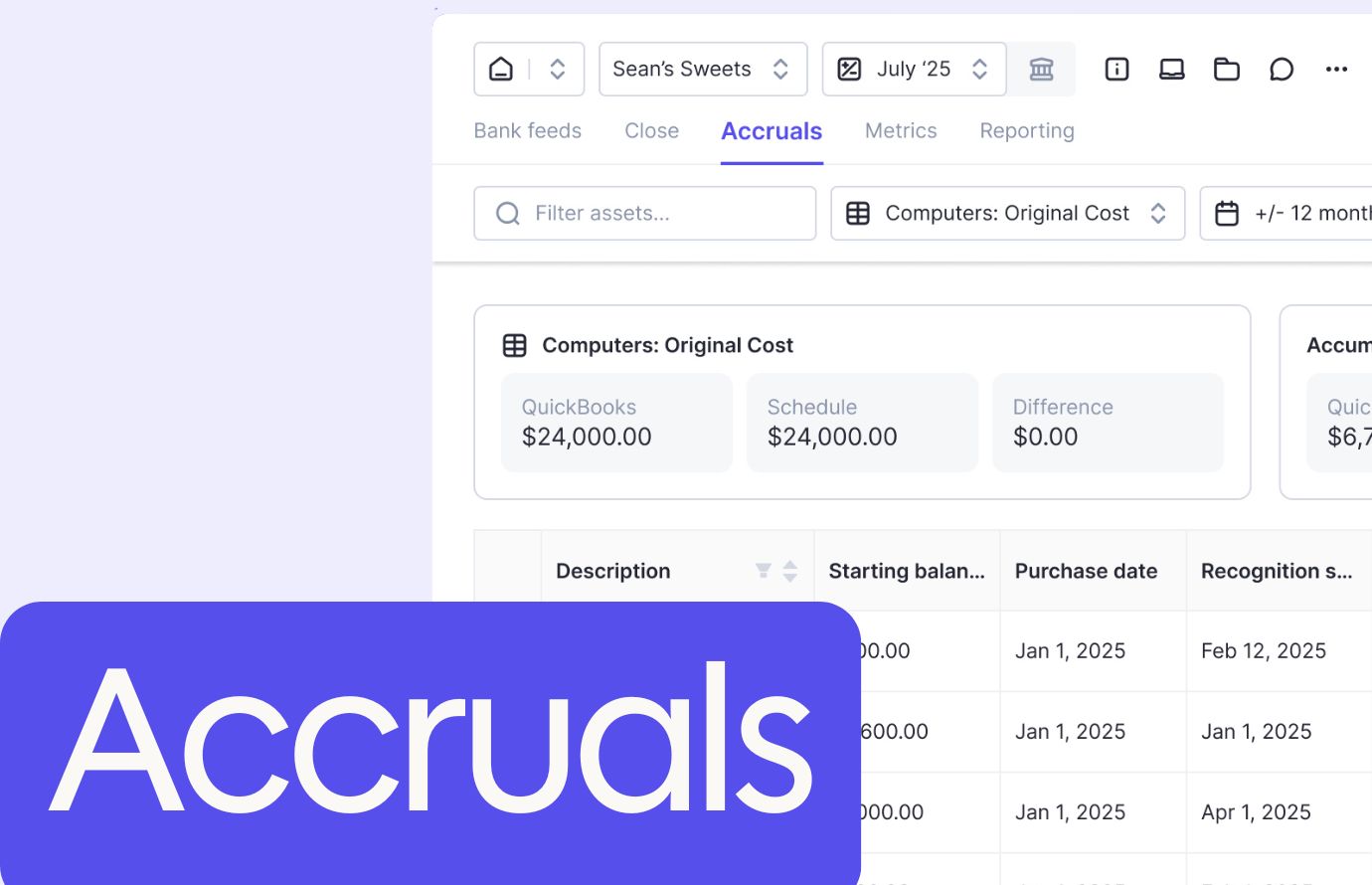
- Automated accruals with audit-ready schedules replace spreadsheet chaos with structured, reviewable records.
- AI journal entries convert source documents into clean, balanced entries without manual re-keying.
- A client portal with passwordless magic links removes friction from client response loops.
- An interactive P&L with AI-assisted variance explanations is built directly into the close workflow.
- Per-client pricing at $10, $25, or $50 monthly includes unlimited users and zero system fees.
- Hands-on three-month implementation is included for contracts over 10 clients.
Firms report 30-50% time savings per close, with capacity gains that let them take on more clients without additional hires.
"No company knows the nuances of what bookkeepers do better than Double. The tool acts as a compass that keeps you from veering off the trail." - Sabrina Burke, Virtual Controller Division Head, Perlson LLP
Canopy
Canopy is a cloud-based practice management tool built for tax and accounting firms, combining client relationship management, document storage, workflow automation, and billing in one system.
- Centralized client database with communication tracking across your team
- Unlimited document storage with secure sharing and version control
- Time and billing with invoice generation and payment collection
- Tax resolution tools including IRS transcript access
Good for tax-focused firms that need an all-in-one suite with strong document management and a client portal. Where Canopy falls short is on the bookkeeping side. Its QuickBooks integration is surface-level, and there are no native close automation features like AI bank feeds, accrual management, or reconciliation diagnostics that let you execute work inside the system.
If your practice is tax and advisory focused, Canopy covers a lot of ground. If bookkeeping and month-end close are among the services you offer, you will likely find yourself switching back to QuickBooks constantly to get anything done.
Jetpack Workflow
Jetpack Workflow is a cloud-based workflow management tool founded in 2014, serving over 7,000 customers. It positions itself as a dedicated workflow solution, not a full practice management suite.
- A library of over 70 pre-built templates for common tasks like monthly bookkeeping, tax returns, and payroll
- Recurring job automation based on customizable schedules
- Time tracking with manual entry and built-in timers
- Native QuickBooks Online integration for client import and timesheet syncing
Good for small to mid-sized firms that have outgrown spreadsheets and want clean workflow tracking without enterprise complexity. Limitations exist, though. No built-in invoicing, no document storage, no client portal. Billing and file management live in separate tools, which keeps the fragmentation problem alive.
Financial Cents
Financial Cents is a visual project management tool built for solo practitioners and small accounting teams, organizing work through color-coded checklists and status tracking.
- Visual checklist system with color-coded task status
- Template library for recurring workflow standardization
- Read-only QuickBooks integration for viewing client data
- Client transaction categorization access (add-on fee required)
It works reasonably well for solo freelancers managing fewer than 10 clients who want a straightforward visual to-do list. The ceiling arrives quickly, though. Per-user pricing punishes team growth, basic features like uncategorized transaction tracking cost extra, and the QuickBooks connection is read-only. You can see what needs fixing, but you can't act on it from inside the tool.
TaxDome
TaxDome is an all-in-one practice management tool for tax, bookkeeping, and accounting firms, bundling client communication, document management, workflow automation, billing, and a secure client portal into one system.
What They Offer
- CRM functionality for managing client relationships and engagement history
- Workflow automation built around tax preparation and compliance workflows
- Document storage with file type support and version tracking
- Client portal with messaging and secure document exchange
Good for tax preparation firms needing broad practice management across multiple service lines. Where TaxDome falls short is the QuickBooks connection. It syncs invoices and payments one way, with no purpose-built close features like AI bank feeds, automated variance analysis, or transaction review tools tied to the ledger.
Karbon
Karbon is a workflow and practice management tool built for professional services firms handling tax, audit, advisory, and bookkeeping across larger team structures.
- Workflow automation for firm-wide processes across multiple service lines
- Centralized email management with shared team inboxes
- Capacity planning tools for resource allocation
- Integration with QuickBooks, Xero, and other practice tools
Good for mid-to-large firms needing complex workflow automation with centralized email as a core feature. The limitation is worth noting. Karbon does not connect with QuickBooks at the transaction level. You are still switching between systems to execute actual accounting work while Karbon tracks it from above. User-based pricing also compounds quickly as teams grow.
Best CRM for CPA Firms
CPA firms running tax, audit, advisory, and bookkeeping concurrently need accounting CRM software that connects to the ledger and executes close work directly. When bookkeeping and month-end close run alongside tax and audit engagements, the best support for CRM in accounting software means more than storing client records or filing documents. It means the system handles transaction categorization, accruals, and close status in the same place your team communicates with clients, so work moves forward without switching between tools.
Broad practice-management suites like Canopy and TaxDome cover document storage and tax filing well, and for firms focused primarily on tax compliance, that coverage is a reasonable fit. The fit gap appears when bookkeeping and month-end close are also part of the service mix. Both tools maintain a surface-level or one-way QuickBooks connection, which means your team still finishes close tasks inside QuickBooks rather than inside the practice-management tool itself. Double addresses that gap with two-way QuickBooks Online and Xero sync, letting your team execute close work and client communication in one workflow instead of moving between systems to complete each step.
Best Accounting CRM Software Compared
CRM for Small Accounting Firms
Small accounting firms need accounting CRM software that standardizes client workflows, centralizes client communication, and prices in a way that scales with revenue instead of penalizing team growth. As a solo practitioner or micro team grows past spreadsheets and email, the first specialized tool has to fit a widening client base without adding cost every time a new team member joins.
Visual task tools like Financial Cents and Jetpack Workflow work well at very small client counts, and they are among the best CRM platforms for small business accounting integration when the book stays lean. The fit gap shows up as the firm scales: per-user pricing raises costs with every hire, and read-only or import-only ledger connections keep you toggling back to QuickBooks to execute the work. Double uses a per-client pricing structure that ties cost to the clients you serve rather than the size of your team, so growth does not become a software penalty.
CRM With Accounting and QuickBooks Integration
The depth of the QuickBooks connection is what separates real accounting CRM software from a generic CRM. Two-way sync writes changes back to the ledger, so completing work updates your books automatically. Surface-level, one-way, read-only, and import-only connections only let you view or track work while execution still happens inside QuickBooks, which keeps the constant switching alive.
Double offers two-way real-time sync with QuickBooks Online and Xero, so finishing a task in the workflow updates the ledger without manual exports. AI bank feeds, automated accruals, and accounting CRM software features like AI journal entries execute the work inside the system. The ledger stays your single source of truth, and Double posts results directly back to it in real time.
Here is how each tool stacks up across the features that matter most for firms managing a portfolio of clients.
Feature | Double | Canopy | Jetpack Workflow | Financial Cents | TaxDome | Karbon |
|---|---|---|---|---|---|---|
Pricing Model | Per Client | Per User / Modular | Per User | Per User | Per User | Per User |
Native Ledger Integration | Two-way QBO/Xero | Surface-level | Import only | Read-only | One-way | No transaction-level |
Two-Way QBO/Xero Sync | Yes | Limited | Limited | No | No | Limited |
AI Bank Feeds
Yes
No
No
No
No
No
Automated Accruals
Yes
No
No
No
No
No
AI Journal Entries
Yes
No
No
No
No
No
Client Portal
Yes
Yes
No
Yes
Yes
Yes
Pricing Model
Per Client
Modular
Per User
Per User
Per User
Per User
Unlimited Users
Yes
No
No
No
No
No
Receipt Management
Yes
No
No
No
No
No
Interactive P&L
Yes
No
No
No
No
No
1099 Management
Yes
Yes
No
No
No
No
Implementation Support
Yes (3 months)
Varies
Limited
Limited
Minimal
Complex rollout
Why Double Is the Best Accounting CRM Software
Most accounting CRM tools make you choose between breadth and depth. Canopy covers documents and billing but drops the ball at the ledger. Karbon handles workflow at scale but stays disconnected from actual transaction execution. TaxDome bundles a lot but leaves close management to QuickBooks alone.
Double closes that gap. The deepest QuickBooks and Xero integration available means task completion and ledger updates happen together, not separately. AI bank feeds, automated accruals, and AI-assisted variance analysis remove the manual work that quietly consumes hours each month. Per-client pricing with no user fees means your costs scale with revenue, not headcount.
Final Thoughts on Accounting Practice Management Software
Most accounting practice management software gives you visibility without execution, which means you still bounce between tools to get anything done. Two-way sync with QuickBooks and Xero changes that completely. If you're curious how AI-assisted closes work with your client portfolio, grab a demo slot and we'll show you the difference between tracking overdue tasks and clearing them. Your capacity problems might just be workflow problems in disguise.