
You balance every account, post your adjusting entries, and review financial statements, but you're still missing your close deadline by three days every month. The problem isn't that your month end close checklist skips important steps, it's that you're doing everything in sequence when half your tasks could run at the same time. Building a close timeline that maps dependencies and assigns hard deadlines turns a 10-day slog into a 6-day process without changing what you actually do.
TLDR:
- Month-end close involves finalizing transactions, balancing accounts, and producing accurate financial statements
- High-performing teams close books in 5-7 days using automation and structured workflows
- Recording adjusting entries for accruals and deferrals aligns revenue with the correct period
- Balance sheet reconciliation requires supporting docs linking recorded balances to reality
- Double connects with QuickBooks, Xero, and ERPs to execute close tasks directly in your ledger
What Is the Month-End Close Process?
The month-end close process finalizes all financial transactions from the previous month, preparing your books for accurate reporting. Accountants verify that every transaction landed in the right account, all bank statements match the ledger, and any necessary adjustments get recorded to produce financial statements that reflect your business performance for that period.
Core Steps in Your Month-End Close Checklist
A repeatable month-end close checklist follows a logical sequence that builds from transaction-level work through final reporting:
- Record all outstanding transactions from the period, including invoices, bills, and receipts that haven't yet hit your accounting system
- Match every bank account and credit card to confirm your ledger reflects actual balances
- Review and categorize any uncoded transactions flagged during reconciliation
- Post adjusting journal entries for accruals, deferrals, depreciation, and period-end allocations
- Verify balance sheet accounts beyond cash, including AR, AP, inventory, fixed assets, and loan balances
- Run preliminary financial statements and scan for anomalies or unexpected variances
- Complete sign-off procedures, attaching supporting documentation to tasks requiring review
- Publish final financial statements and distribute to stakeholders
This sequence matters because each step depends on the one before it.
Pre-Close Activities: Setting Up for Success
Smart teams start prep days before the month-end arrives. Syncing bank feeds early surfaces disconnections while you still have time to request client re-authorization. Collecting vendor statements, payroll reports, and payment processor exports ahead of time means you're not chasing documents when the clock starts.
Cross-functional coordination prevents last-minute surprises. Finance teams should notify department heads about upcoming variance review deadlines or allocation confirmations needed.
Bank and Credit Card Reconciliation Best Practices
Start with the ending balance on your bank statement and work backward through uncleared items. Outstanding checks and deposits in transit explain most differences between your ledger and statement balance.
Timing differences are expected. A check written on the 28th that clears on the 2nd belongs in the prior month's books but won't appear on that statement. Track these on a separate list and verify they clear next period.
When reconciliations don't balance, check for duplicated transactions first, then scan for transposed numbers or decimal errors.
Recording Adjusting Journal Entries
Adjusting journal entries move revenue and expenses into the period where they belong, regardless of when cash changes hands. Accrual accounting requires these entries monthly to reflect accurate financial performance.
Recurring adjustments include depreciation on fixed assets, amortization of prepaid expenses and deferred revenue, and accrued expenses like utilities or interest. One-time adjustments require more judgment: correcting miscoded transactions, recording inventory write-downs, or adjusting estimates from prior periods.
Balance your entries before posting. Every debit requires an offsetting credit.
Accounts Receivable and Accounts Payable Management
Review aging reports to identify overdue customer invoices and outstanding vendor bills. Confirm AR and AP subledgers match GL control accounts; investigate timing differences, unapplied credits, or misposted transactions. Apply consistent period cutoff rules so invoices and bills land in the correct month. Flag outstanding items like missing documentation or disputed amounts before final sign-off.
Fixed Assets, Inventory, and Other Balance Sheet Accounts
Balance sheet accounts beyond cash require supporting documentation that ties recorded balances to reality. Physical counts, depreciation schedules, and vendor confirmations create the audit trail needed during reviews.
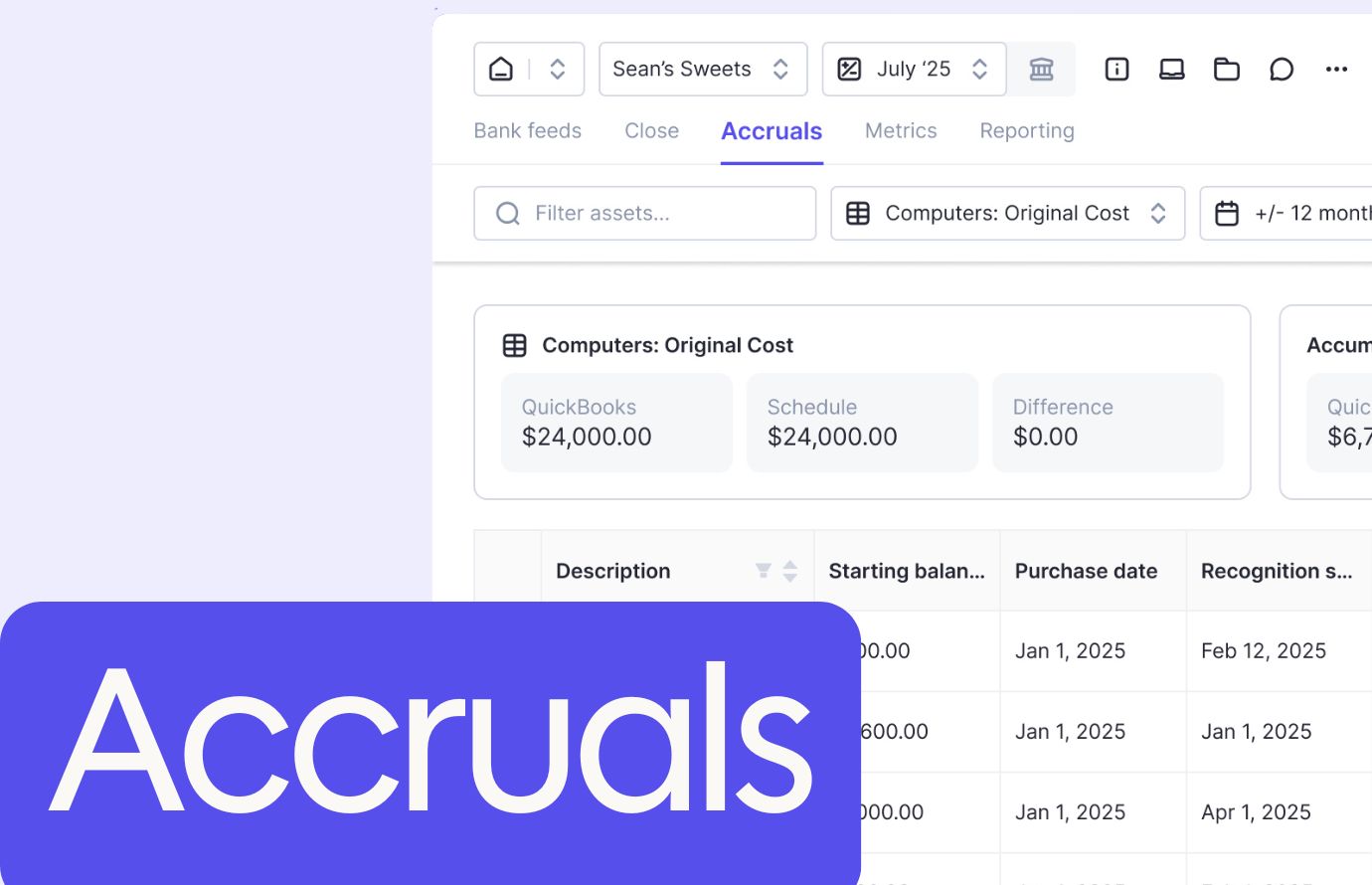
Track each asset with purchase date, cost, useful life, and accumulated depreciation. Match fixed asset subledgers to general ledger balances monthly. Physical inventory counts verify that books match actual stock. Investigate variances immediately. Prepaids and accrued liabilities need schedules showing original amounts and remaining balances.
Financial Statement Preparation and Review
Generate your income statement, balance sheet, and cash flow statement after reconciliations and adjusting entries are done. Run comparative reports for month-over-month and year-over-year analysis.
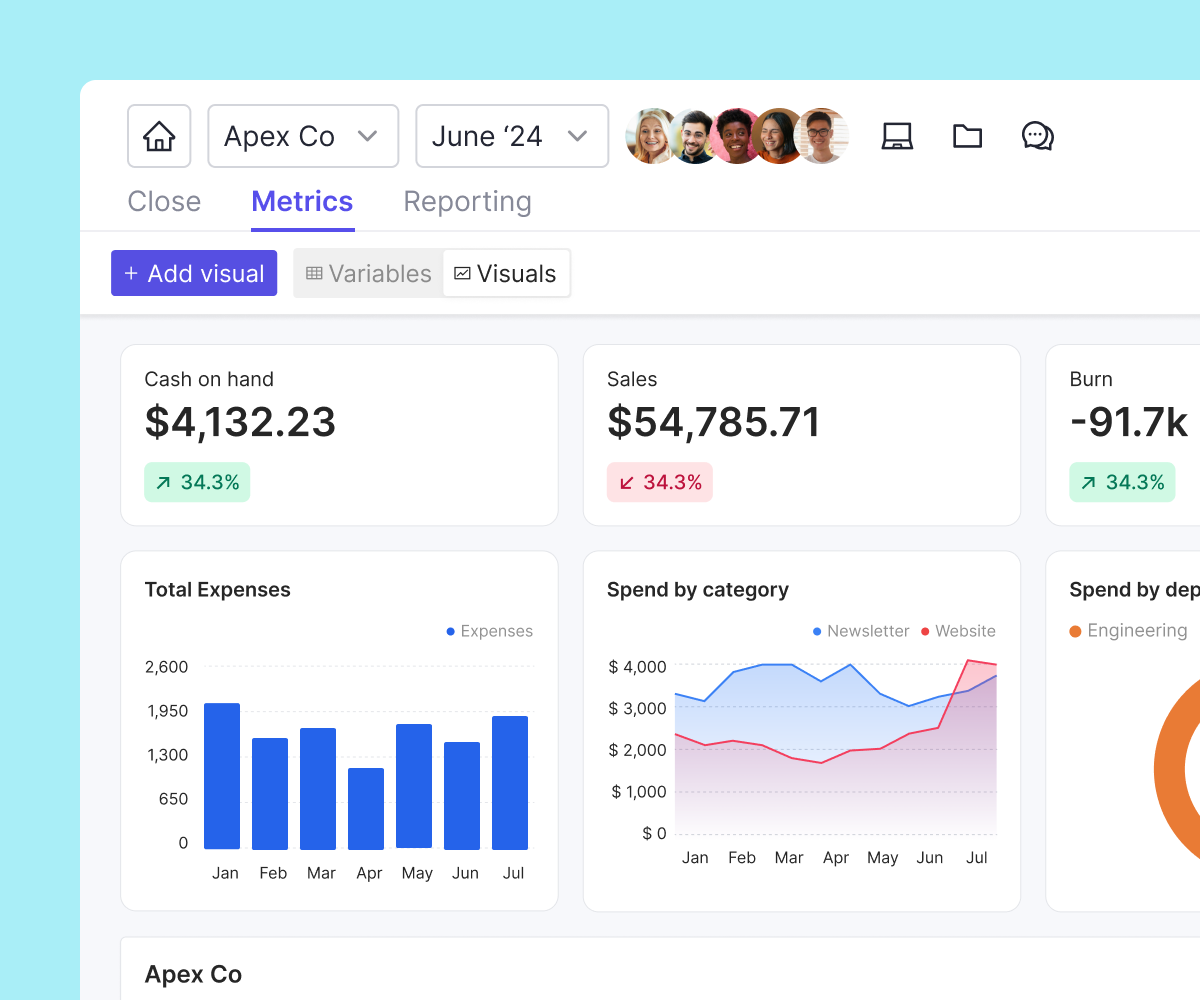
Review key metrics like gross margin, operating expenses as a percentage of revenue, current ratio, and days sales outstanding. Document material variances with thoughtful explanations before distributing reports to stakeholders.
Common Month-End Close Mistakes and How to Avoid Them
Manual processes create bottlenecks. Teams coding hundreds of transactions by hand introduce errors. Poor cross-departmental communication leaves questions unanswered until reporting deadlines pass.
Missing documentation breaks the audit trail. Attach supporting files when creating journal entries, not weeks later. Skipping reconciliation reviews because you're rushing means errors slip through.
Learn from each close cycle by tracking which tasks consistently run late, and why.
How Long Should Month-End Close Take?
High-performing finance teams close in 5 to 7 business days, while mid-sized companies average 8 to 10 business days.
Your timeline depends on transaction volume, client complexity, automation level, and team resources. Companies and firms with automated bank feeds and accrual schedules close faster than those managing manual spreadsheets. Team size matters less than workflow design.
Close duration directly impacts decision-making speed. Shortening your close from 12 days to 7 gives your company leadership or business clients five extra days of actionable visibility each month.
Month-End Close for Nonprofits: Special Considerations
Nonprofit accounting requires fund tracking that separates resources by donor restrictions and program requirements. Unrestricted, temporarily restricted, and permanently restricted funds each need reconciliation. Revenue follows donor intent: grants designated for future programs can't fund current expenses, regardless of cash availability.
Grants require tracking spending against budgets and allowable costs. Functional expense allocation splits costs between program services, management, and fundraising. Monthly closes support Form 990 preparation by maintaining accurate fund classifications year-round.
Month-End Close Process Flowchart and Timeline
Map your close as a flowchart or timeline with dependencies visible. Day 1 tasks like syncing bank feeds must complete before Day 3 reconciliations begin. Certain activities run parallel: AR aging reviews happen simultaneously with AP verification.
Close Task | Timeline | Dependencies | Typical Owner | Estimated Duration |
|---|---|---|---|---|
Sync bank feeds and payment processor data | Day 1 | None - start immediately after month-end | Staff Accountant | 1-2 hours |
Record outstanding invoices, bills, and receipts | Day 1-2 | Requires department submissions and vendor statements | AP/AR Specialist | 3-4 hours |
Bank and credit card reconciliation | Day 2-3 | Requires synced bank feeds and recorded transactions | Staff Accountant | 4-6 hours |
Review and categorize uncoded transactions | Day 3-4 | Requires completed reconciliations | Senior Accountant | 2-3 hours |
Post adjusting journal entries for accruals, deferrals, and depreciation | Day 4-5 | Requires completed reconciliations and categorization | Senior Accountant or Controller | 3-5 hours |
Match AR, AP, inventory, fixed assets, and loan accounts | Day 4-5 | Can run parallel with adjusting entries once bank recs are complete | Staff Accountant | 4-6 hours |
Generate preliminary financial statements and variance analysis | Day 5-6 | Requires all reconciliations and adjusting entries posted | Senior Accountant or Supervisor | 2-3 hours |
Final review, sign-off, and documentation attachment | Day 6-7 | Requires preliminary statements reviewed for anomalies | Controller/CFO or Manager | 2-4 hours |
Build your close calendar backward from the reporting deadline. Assign specific owners to each task with hard deadlines instead of ranges. Break dependencies by empowering team members to complete routine reconciliations independently, escalating only exceptions.
Using QuickBooks for Month-End Close
QuickBooks Online and Desktop include built-in reconciliation tools and report packages for month-end work. The reconciliation screen matches transactions against bank statements, flagging cleared items and calculating balance differences.
Memorized transactions automate recurring journal entries like depreciation or rent. Create entries once, set frequencies, and QuickBooks queues them for review each period. Closing date restrictions prevent accidental changes to finalized periods.
How Automation and AI Are Reshaping Month-End Close
AI categorization turns manual coding into review-based workflows. Automated reconciliation matching identifies cleared transactions without manual clicking. Exception-based review surfaces unusual patterns while routine items flow through automatically.
AI built directly into your close workflow catches errors at the point of entry instead of during final review, so your team spends less time backtracking and more time on work that matters. Double connects those AI capabilities to your existing ERP (or your clients' general ledger), so you get the speed benefits without switching systems.
Accelerate Your Month-End Close with Purpose-Built Software
Month-end close requires execution beyond simple task tracking. Double connects directly with QuickBooks Online, Xero, Sage Intacct, and NetSuite to unify bank categorization, journal entries, accrual management, and reconciliation work where your ledger data lives.
Accounting firms get practice-wide visibility across their client base while standardizing workflows. Corporate finance teams gain control without enterprise complexity, moving from spreadsheet chaos to audit-ready documentation.
Final Thoughts on Closing Your Books
A tight month-end close gives your team actionable financial data when decisions still matter, not weeks after the period ends. You build that speed through automation where it counts and standardized checklists that remove guesswork from reconciliations. The best finance teams track what slows them down each cycle and fix bottlenecks systematically. Book a demo to see how Double connects bank feeds, journal entries, and reconciliation work directly to your general ledger without forcing you into enterprise software complexity.