
Accounting firms lose roughly 20% of billable hours every month because time gets logged late, entries get forgotten, and manual systems create gaps between work and invoicing.
Most firms piece together a stack: QuickBooks Time or Toggl Track to log hours, Clockify or another free time tracking app to cover projects, and QuickBooks Online time tracking to push data into invoices. Each tool adds a handoff, and every handoff is another place revenue slips.
The best time tracking software for accountants needs to do more than start a timer. It needs client hierarchy, role-based billing rates, integration with QuickBooks Time kiosk or work time tracker online free systems, and a direct connection to your ledger so hours turn into revenue without manual re-entry. What works for time and billing software for CPA firms that captures billable time as the close actually happens is covered below.
TLDR:
- Accounting firms that track time manually lose 20% of billable revenue each month to undocumented hours.
- Look for tools with role-based billing rates, client hierarchy, and two-way accounting software sync.
- Clockify offers unlimited free time tracking for solo accountants but excludes invoicing.
- QuickBooks Time starts at $20/month plus $8 per user and syncs with QuickBooks Payroll.
- Double captures time during close work inside QuickBooks Online or Xero with per-client pricing.
What Is Time Tracking Software for Accountants?
Time tracking software for accountants records billable hours, links time entries to clients or matters, and feeds that data into invoices or payroll. For accounting firms, this is less about clocking in and more about capturing revenue that would otherwise slip through the cracks.
The core functions that matter for accountants include:
- Logging time against specific clients, projects, or tasks so billing is accurate and defensible
- Generating invoices or syncing with billing software directly from tracked hours
- Reporting on utilization rates, realization, and profitability across the firm
- Supporting compliance by maintaining clear records of hours worked for audit or payroll purposes
Why Accountants Need Time Tracking Software
Accountants lose more billable hours than most realize to undocumented time. Industry estimates suggest firms that track time manually recover only about 80% of their billable hours, leaving roughly 20% of earned revenue on the table each month.
The problem runs deeper than forgotten entries. Without accurate time data, it's nearly impossible to identify which clients are actually profitable.
Time tracking software solves this by capturing hours as work happens, connecting those records to invoices, and giving firm owners real visibility into where time actually goes. Time tracking improves productivity and billing accuracy while reducing the administrative overhead that comes with manual timesheet reconstruction.
Key Features Accountants Should Look For
A basic timer won't cut it for firms billing across multiple clients and staff levels. The gap between a generic time tracker and one built for accounting work comes down to a handful of specific capabilities.
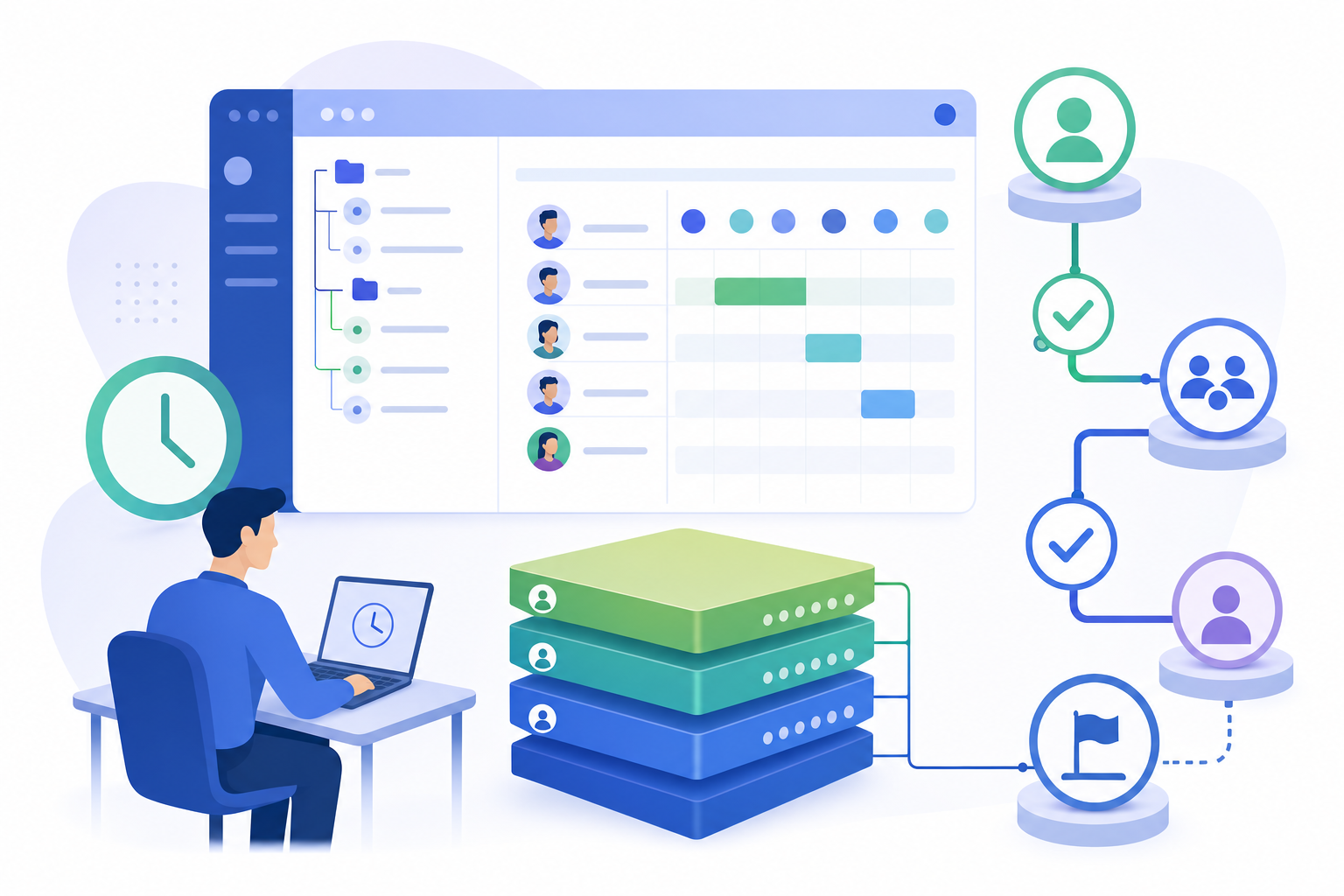
- Client and project hierarchy for granular, defensible billing records
- Billable vs. non-billable categorization to keep overhead separate from earned revenue
- Role-based billing rates so partners, managers, and staff each bill at the correct rate
- Approval workflows before time entries reach an invoice, reducing billing disputes
- Direct integration with accounting or billing software so hours skip manual re-entry
How Time Tracking Integrates With Accounting Software
Integration depth separates tools that save time from tools that create new admin work. A one-way connection pushes hours into your accounting software but forces you to maintain client lists and billing rates in two places. Two-way sync removes that overhead by pulling existing data from the ledger and pushing completed entries directly to invoices.
For QuickBooks Online and Xero users, the best tools map time entries to existing customers and jobs automatically. Sage Intacct users should verify dimension-level support covering departments, locations, and projects before committing, since many tools integrate only at a surface level and break down once granular cost allocation enters the picture.
Free Time Tracking Options for Accountants
Tool | Starting Price | Free Tier | Key Limitation for Accountants |
|---|---|---|---|
Clockify | Free plan available; paid plans start at $3.99/seat/month (Basic, billed annually) | Unlimited time tracking, unlimited projects, unlimited clients, no user cap | Free plan excludes invoicing entirely, requiring a separate billing tool |
QuickBooks Time | Premium at $20/month plus $8 per user, Elite at $40/month plus $10 per user | No free tier available | Optimized for payroll and job costing instead of billing and invoicing, with limited reporting for client profitability analysis |
Toggl Track | Starter at $9 per user per month, Premium at $18 per user per month | Supports up to 5 users with unlimited projects but no invoicing or billing rates | No native payroll integration and growing firms outgrow it once billing, payroll sync, or staff oversight becomes necessary |
Double | $10, $25, or $50 per month based on client complexity | No free tier available | Priced per connected client with no per-user fees, time tracking happens during close work inside QuickBooks Online, Sage Intacct or Xero |
Clockify is the most capable free option for accountants. Its free plan covers unlimited time tracking, unlimited projects, and unlimited clients with no user cap, giving sole practitioners a real starting point at zero cost.
The ceiling appears once billing enters the picture. Clockify's free plan excludes invoicing, which means you'll need a separate tool to actually bill clients. For accountants who want time tracking and invoicing in one place, that's an extra step worth factoring in before committing.
- The free tier works well for solo accountants tracking hours across multiple clients who bill separately through their accounting software.
- Growing firms that need invoicing, budgeting, or team scheduling will need to upgrade to a paid plan.
Toggl Track also offers a free tier, capped at five users, which suits small teams or independent accountants just getting started. Like Clockify, its free version omits billing features entirely.
QuickBooks Time: Pricing, Features, and Use Cases
QuickBooks Time is Intuit's dedicated time tracking product, built to work alongside QuickBooks Online and QuickBooks Payroll. It's a strong choice for accounting firms already inside the Intuit ecosystem.
Plans and Pricing
QuickBooks Time comes in two tiers:
- The Premium plan runs $20/month plus $8 per user per month, covering GPS tracking, timesheet management, and QuickBooks sync.
- The Elite plan runs $40/month plus $10 per user per month, adding project tracking, geofencing, and schedule management.
Key Features for Accountants
- The QuickBooks Time app is available on iOS and Android, with a kiosk mode that works well for shared devices in multi-staff environments.
- The QuickBooks Time desktop experience runs through a browser, so there's no separate QuickBooks Time download required for most users.
- Payroll data syncs directly into QuickBooks Payroll, cutting manual entry for firms running payroll on behalf of clients.
- The QuickBooks Workforce time tracking feature lets employees clock in and view their own hours without needing a full QuickBooks login.
Where It Falls Short
QuickBooks Time is optimized for payroll and job costing instead of billing and invoicing. Firms that need detailed client billing reports or project profitability analysis may find the reporting too limited. It also requires a separate QuickBooks Time login from QuickBooks Online, which adds friction for staff juggling multiple tools.
Toggl Track: Pricing, Features, and Use Cases
Toggl Track is a time tracking tool built for freelancers and small teams who want simplicity without a steep learning curve. It runs on web, desktop, and mobile, and offers a browser extension that lets you start a timer from almost anywhere.
The free tier supports up to 5 users and covers basic time tracking with unlimited projects. Paid plans start at $9 per user per month (Starter) and scale up to $18 per user per month (Premium), with a Business tier available for larger teams.
Where Toggl Track Fits for Accountants
For solo accountants or very small firms, Toggl Track works well as a lightweight way to log billable hours across clients. A few things worth knowing before committing:
- The free plan has no invoicing, no billing rates, and no client-facing reports, so you will need a separate tool to actually bill clients.
- Project budgeting and fixed-fee tracking are locked behind paid tiers, which adds cost if your firm handles retainer or flat-fee engagements.
- There is no native payroll integration, so firms running QuickBooks Payroll or managing staff time for payroll purposes will need workarounds.
- Reporting is cleaner than most tools at this price point, and the Toggl Track browser extension is genuinely useful for starting timers without switching apps.
Toggl Track earns strong reviews for ease of use, and its free plan is one of the more generous options in the category. The limitation worth noting is that growing accounting firms tend to outgrow it once billing, payroll sync, or staff oversight becomes a real need.
Time Tracking and Invoicing: Turning Hours Into Revenue
Tracked hours only generate revenue once they reach an invoice. The gap between finishing work and sending a bill is where cash flow stalls, and manual re-entry widens that gap further.

Good time tracking tools let you configure billing rates by client, project, or staff role, then generate invoice drafts directly from approved time entries. Some connect to accounting software and push completed invoices without manual re-entry. A partner's hour bills at a different rate than a junior associate's, and that distinction should happen automatically instead of through manual adjustment before every billing run.
Faster billing cycles mean shorter payment windows, which compounds meaningfully across a full client roster.
Mobile and Desktop Time Tracking Apps
Which app format works best depends largely on where your work happens. Mobile apps for iOS and Android suit accountants logging time across client sites or moving between locations. Desktop apps for Windows and Mac work better for office-based staff who want a persistent timer running alongside other software. Browser extensions sit in between, launching a timer without leaving whichever tab you are already in.
Kiosk mode serves firms with shared devices, letting staff clock in and out from a single tablet without individual logins. This removes credential management friction in a multi-staff office. For remote or hybrid teams, mobile paired with a browser extension covers most logging scenarios without requiring a dedicated desktop install.
Common Implementation Challenges and How to Solve Them
The biggest rollout barrier is rarely the software itself. Team resistance tends to appear when staff see time tracking as surveillance instead of a billing tool. Framing it as something that protects their workload records and supports fairer billing conversations changes the conversation considerably.
Tracking utilization and recovery rates helps you benchmark performance and identify where billable time is leaking, with most firms targeting 80% billable utilization and 80% recovery.
A few approaches that work in practice:
- Require daily logging rather than weekly catch-ups. Memory fades fast, and reconstructed timesheets generate the manual entry errors that come back later as billing disputes.
- Define clearly what gets tracked, including non-billable time, so staff log consistently without guessing what qualifies as an entry.
- Use approval workflows to catch missing entries before a billing run, removing the need for retroactive chasing.
- Lean on automated reminders for delayed submissions rather than manager follow-up, which staff tend to find less intrusive.
Resistance usually softens once staff realize accurate records protect them too, especially when workload conversations or disputed invoices arise.
Double: Month-End Close and Time Tracking for Accounting Firms
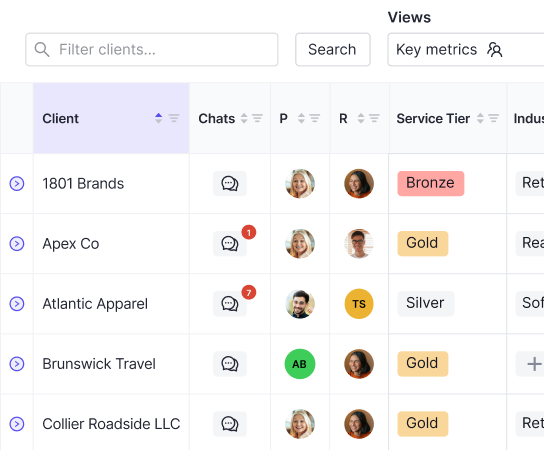
Double builds time tracking into the close workflow itself. Bank feed categorization, journal entries, reconciliations, and client communication all happen in one workspace connected to QuickBooks Online or Xero, so firms see where hours go across every client close without a separate logging step.
Time gets captured as work gets done, which means no reconstructing your week on Friday afternoon and no billable hours slipping through the gaps.
What Accounting Firms Get With Double
A few things set Double apart from generic time tracking tools in this list:
- The workspace connects directly to your client's ledger with two-way sync, so client data and time data live in the same place without manual imports.
- There are no per-user fees. Pricing runs per connected client, so growing your team does not grow your software bill.
- AI handles the repetitive categorization and reconciliation work, which frees up hours you'd otherwise spend on data entry instead of client advisory.
- Month-end close steps, client communication, and time visibility are all in one view, so nothing requires a separate app to log or review.
For accounting firms that want time tracking tied directly to the work being done, instead of bolted on as an afterthought, Double is worth a close look.
Final Thoughts on Time Tracking for Accounting Professionals
You lose less revenue when time tracking happens during the work instead of after it. The tools worth paying for connect your hours directly to client invoices, handle role-based billing rates automatically, and sync with the accounting software you already use. Take a look at Double if you want time tracking built into the month-end close itself, not layered on top. Most firms see missing billable hours reappear once logging stops being a separate task you remember later.