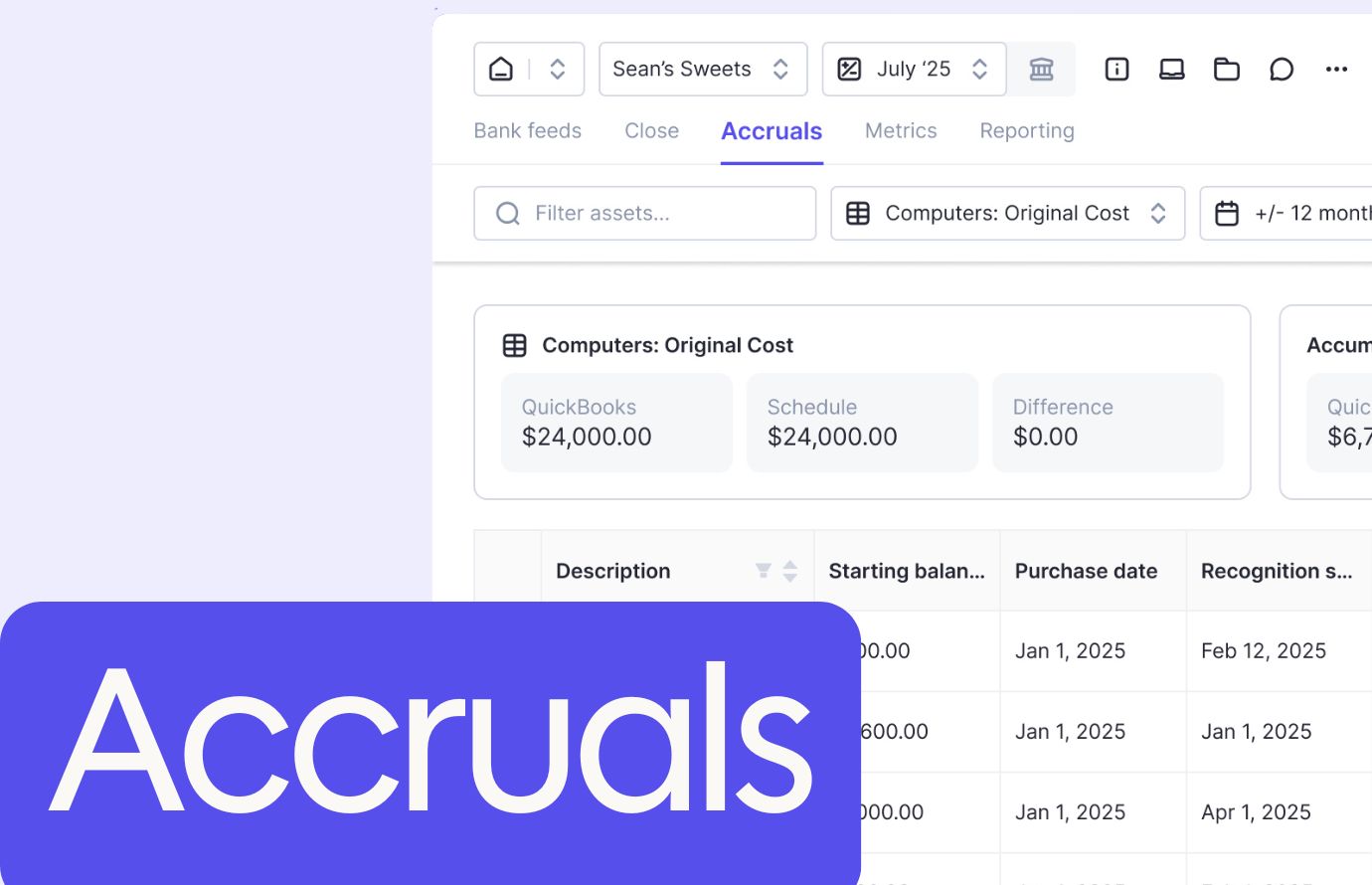


If your month-end close still runs on spreadsheets, email threads, and someone remembering to check every client's reconciliation before the deadline, you're not managing the close so much as manually assembling it every 30 days.
Close management software for accounting firms exists to automate that assembly line, but the tools worth using are the ones built around how firms actually operate: multi-client workflows, ledger integrations that stay current without manual updates, and pricing structures that scale with your client roster instead of punishing you for adding staff. The gap between task-tracking software and something that executes the work for you is where firms find the time they've been looking for.
TLDR:
- Close management software for firms manages recurring month-end tasks across dozens of clients simultaneously, handling reconciliations, journal entries, and sign-offs in one system.
- Most tools were built for corporate finance teams managing one set of books, creating friction for firms running multi-client workflows at scale.
- AI-driven automation that executes work (categorizing transactions, flagging anomalies, drafting entries) saves 30 to 50% of time per close compared to task-tracking tools.
- Per-client pricing models scale more predictably than per-user fees as firms grow their roster and add staff to client engagements.
- Double automates document collection and data review with two-way QuickBooks Online and Xero sync, keeping ledgers current without manual updates.
What Is Close Management Software for Accounting Firms?
Close management software helps accounting firms track, assign, and complete the recurring tasks that make up every client's month-end close cycle. Think of it as a purpose-built system for managing the month-end close tasks that need to happen in a specific order, on a deadline, every single month.
For accounting firms, the distinction matters. Most close tools built for corporate finance were designed for managing one set of books. Firms manage dozens or hundreds of client closes simultaneously, which means the software needs to handle multi-client workflows, repeatable task templates, and clear visibility across every engagement at once. Month-end close processes at scale require purpose-built coordination that generic task managers cannot deliver.
What Close Management Tools Typically Handle
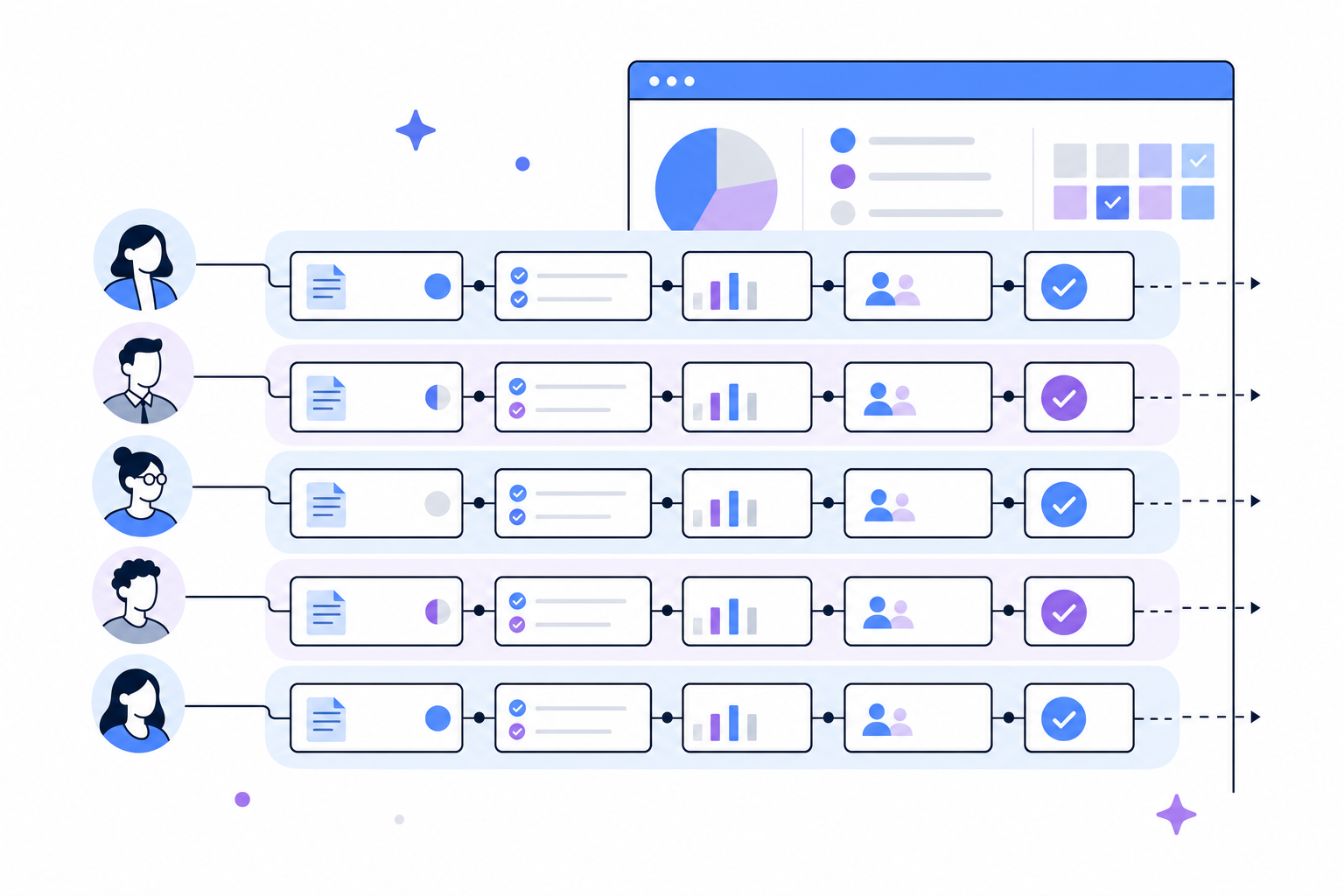
- Recurring task templates that roll over each period, so teams aren't rebuilding checklists from scratch every month for every client.
- Status tracking across preparers and reviewers, with a clear record of who completed what and when.
- Document collection and storage tied directly to individual close tasks, keeping workpapers organized by period.
- Deadline management across multiple clients, so nothing quietly falls through the cracks when a busy month stacks up.
- Reporting on close health, giving managers a real-time view of where each client engagement stands.
The best tools in this category go further than simple task lists. They connect directly to accounting software like QuickBooks Online and Xero, pull live data, and flag anomalies before a reviewer even opens the file. That shift from manual tracking to AI-assisted review is where firms are finding the most meaningful time savings.
How We Ranked Close Management Software for Accounting Firms
Ranking close management software for accounting firms requires looking past feature lists and into how each tool actually performs under the pressure of a real month-end close.
Here are the criteria used to assess each option:
- Accounting firm fit: The software should be built around how firms actually work, with multi-client management, client-facing workflows, and pricing that scales per client instead of per seat.
- QuickBooks Online and Xero integration: For most accounting firms, these are the two ledgers that matter. Two-way sync that keeps the close tied to the source of truth is a baseline requirement.
- AI capabilities: Tools that automate reconciliation, flag anomalies, or draft workpapers free up time that would otherwise go to low-value data work.
- Collaboration and visibility: Firms need both internal task ownership and clear client-facing communication, without managing two separate tools to get there.
- Ease of setup and ongoing use: A tool that takes months to configure or requires dedicated IT support creates friction that smaller and mid-size firms cannot absorb.
- Pricing transparency: Opaque enterprise pricing with long commitments can be a poor fit for firms that need flexibility as their client roster grows or changes.
Best Overall Close Management Software for Accounting Firms: Double
Double is built for accounting firms running client closes, and that specialization shows in how the product actually works.
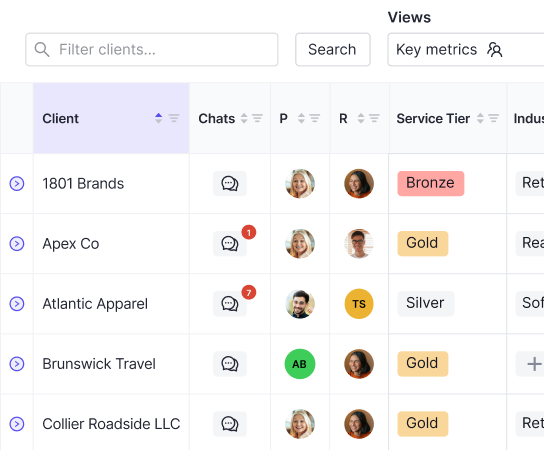
Where most close management tools ask firms to adapt their workflows to fit a generic checklist system, Double works the other way around. It learns each client's close process and does the work itself: pulling documents, chasing missing items, updating statuses, and keeping the file moving without someone manually babysitting every step.
How Double Works Differently
The core difference is execution. Double connects directly to QuickBooks Online and Xero with two-way sync, so the data in your close is always current without manual imports or copy-paste handoffs between systems.
- The AI reviews incoming documents, extracts the relevant data, and matches it to open tasks automatically. The accountant reviews and approves; the system handles the data gathering.
- Client communication happens inside the workflow. Instead of chasing clients over email and then manually logging what came in, Double keeps the request, the response, and the document in one place.
- Firms are priced per connected client, with no per-user fees. That structure means adding staff to a client's close does not increase the bill.
Who It's Built For
Double is a strong fit for accounting firms managing recurring monthly closes across a client roster, particularly those where the biggest time cost is coordination and document collection instead of the accounting judgments themselves. Firms handling 20 or more active clients tend to see the clearest return, with documented time savings in the 30 to 50 percent range per close.
Numeric
Numeric is a close management tool built for corporate finance teams that want cleaner month-end workflows without heavy implementation overhead. It sits between lightweight spreadsheet tracking and enterprise close suites, and some accounting firms evaluate it for that reason. The core limitation worth noting is structural: Numeric was designed around a single set of books, so firms managing recurring closes across a client portfolio hit friction quickly.
Numeric's Strengths
- Task assignment and due-date tracking are straightforward, making it easy for team leads to see where each client close stands at a glance.
- The review workflow lets preparers flag items for manager sign-off, which cuts down on the back-and-forth that typically happens over email or chat.
- Numeric connects to QuickBooks Online and Xero, pulling in account balances to give context alongside open tasks.
Numeric's Limitations
The tool handles task management well, but firms that want AI-assisted work execution instead of status tracking may find it falls short. Numeric surfaces what needs to be done; it does less of the doing. For firms managing a high volume of clients, that gap becomes noticeable as the close scales up.
Pricing is seat-based, which can add up quickly for larger teams compared to per-client models that scale more predictably with firm growth.
FloQast
FloQast is a mature close management tool built for accounting teams that want structured, repeatable month-end workflows. It has a strong reputation in the mid-market and enterprise space, and for good reason.
FloQast's Strengths
FloQast centers its product around reconciliation management, flux analysis, and close checklists. Teams can assign tasks, track sign-offs, and get a real-time view of where the close stands. It integrates with Excel and Google Sheets, which matters a lot for firms whose reconciliation work lives in spreadsheets.
Where It Gets Complicated for Accounting Firms
The limitation worth noting is that FloQast was built with corporate accounting departments in mind. Accounting firms managing multiple clients run into friction quickly: the pricing scales by user, the setup assumes a single entity, and replicating the workflow across dozens of client engagements takes real configuration effort.
Multi-client management is not where FloQast shines. Firms often end up building workarounds to fit a tool designed for internal finance teams into an external client-service model.
Pricing
FloQast pricing is user-based and typically involves multi-year commitments. For smaller or growing accounting firms, that structure can feel restrictive before the software has proven its value. Entry-level tiers tend to be limited, so the upfront investment can be substantial.
Who It Fits Best
FloQast may work for in-house corporate accounting departments that have the internal resources to configure and maintain the setup and whose workflows map closely to what the tool was built for. The reconciliation features are useful in that narrow context, but the product requires meaningful lift to get running and ongoing maintenance to stay current. For accounting practices focused on high-volume, multi-client close work, the fit is not there: the architecture assumes one entity, and the per-user pricing compounds quickly when client engagements require multiple team members.
Canopy
Canopy is a practice management tool built for accounting firms, covering client communication, document management, and workflow tracking under one roof. It's a broad solution designed to handle the full client lifecycle, which means the month-end close is one piece of a much larger feature set.
For firms that want a single tool to manage everything from onboarding to billing, Canopy can work well. The limitation worth noting is that close-specific functionality tends to be secondary to its core practice management features, so firms with high close volume may find the depth they need elsewhere.
Pricing is seat-based, which can add up quickly as teams grow.
Xenett
Xenett is a cloud-based close management tool built for accounting firms. It focuses on error detection and review workflows, scanning client books for anomalies and flagging issues before the close is finalized.
Xenett's Strengths
- Error detection runs automatically against client data, catching mismatched entries, unusual transactions, and reconciliation gaps that might otherwise slip through a manual review.
- Review checklists can be assigned to team members with due dates, making it easier to track who owns each task during a busy close cycle.
- Client collaboration features let firms request documents and sign-offs directly through the tool, reducing back-and-forth email threads.
Xenett's Limitations
Xenett's strength is in the review and error-checking layer of the close. Firms that need deeper workflow automation, AI-driven task execution, or per-client pricing tied to QuickBooks Online and Xero may find the feature set narrower than expected. It works well as a quality-control layer but requires other tools to handle the broader close workflow.
Karbon
Karbon is a well-regarded practice management tool built for accounting firms, covering client work, team collaboration, and communication in one place. It has a strong following among firms that want visibility across their entire practice, beyond the close.
That said, the month-end close is where Karbon shows its limits. The tool tracks work and manages client relationships well, but it stops short of executing close tasks automatically. Reconciliations, flux analysis, and tie-outs still require manual effort outside the system.
Karbon's Core Features
- Work item and task management across client engagements, giving team leads a bird's-eye view of what's open, overdue, or blocked.
- Client communication via shared inboxes and email integration, reducing the back-and-forth that slows close cycles.
- Time tracking and capacity planning to help firms spot bottlenecks before deadlines hit.
Karbon fits firms that need broader practice oversight. For teams where close execution is the bottleneck, a more specialized tool tends to fill that gap better.
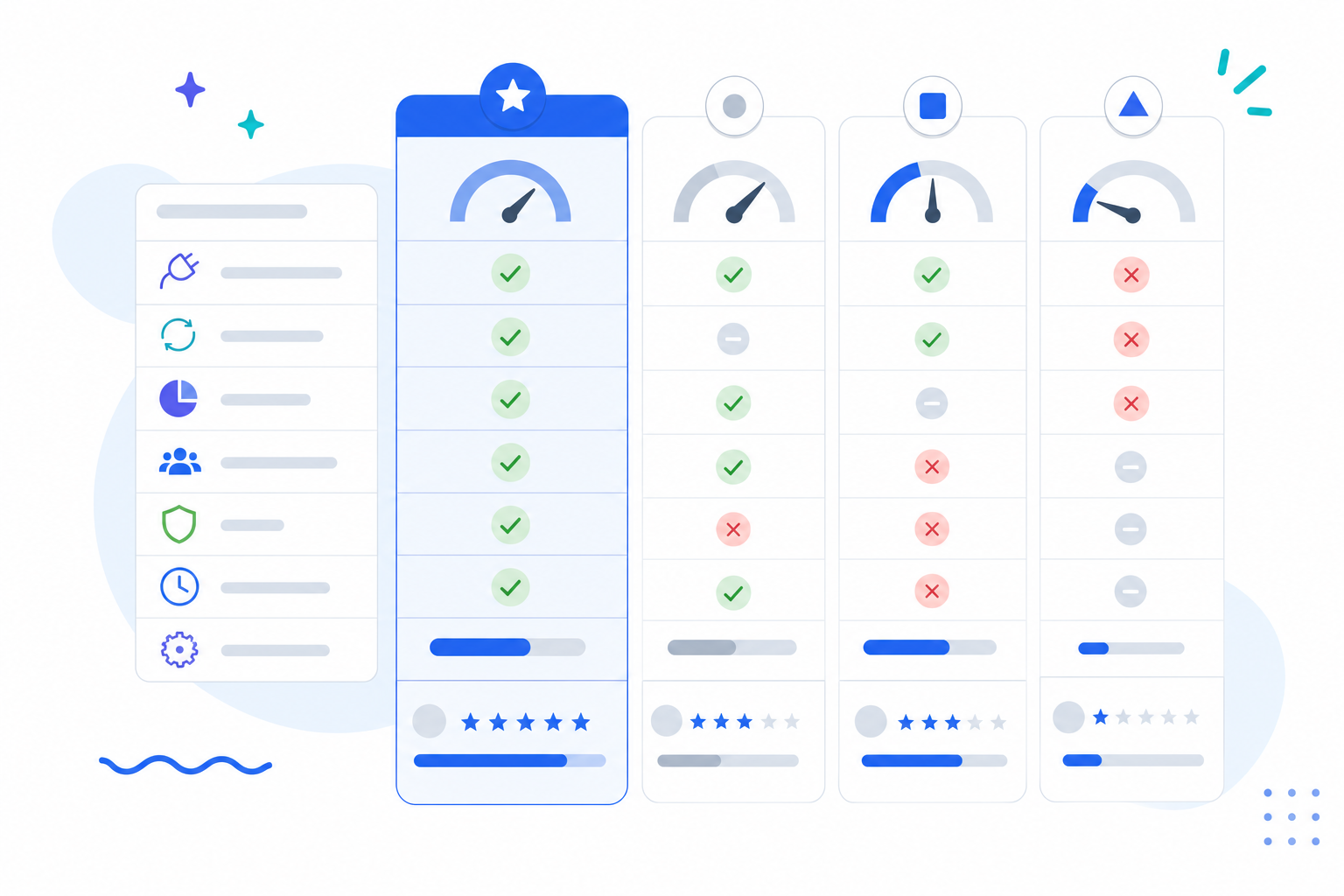
Feature Comparison Table of Close Management Software for Accounting Firms
Feature | Double | Numeric | FloQast | Canopy | Xenett | Karbon |
|---|---|---|---|---|---|---|
Two-Way Ledger Integration | Yes | Yes | Yes | No | Yes | No |
AI Bank Feed Automation | Yes | Yes | No | No | No | No |
AI Journal Entry Creation | Yes | No | No | No | No | No |
Yes | Yes | No | No | Yes | No | |
Client Portal | Yes | No | No | Yes | Yes | Yes |
Multi-Client Portfolio Management | Yes | No | No | Yes | Yes | Yes |
Interactive Financial Reporting | Yes | Yes | No | No | No | No |
Per-Client Pricing | Yes | No | No | No | Yes | No |
Tools built for corporate finance (FloQast, Karbon) tend to miss the firm-specific features that matter most, like per-client pricing and multi-client portfolio views. AI-driven close work, including bank feed automation and journal entry creation, remains limited to a small subset of tools. Client portal access, something most firm clients expect, is absent from roughly half the options above.
Why Double Is the Best Close Management Software for Accounting Firms
Double executes the close for accounting firms instead of handing them another checklist to manage manually.
Built for bookkeeping and accounting firms, Double syncs two ways with QuickBooks Online and Xero, so the work happening inside the ledger is always reflected in the close without any manual copying or status updates. The AI layer handles the repetitive categorization and review work, freeing up capacity that firms put toward serving more clients, while accountants stay in control of every final judgment call.
Pricing follows a per-client model with no user fees or seat limits, which means firms can grow their client roster without watching software costs spiral.
What Sets Double Apart
Firms using Double report saving 30 to 50% of time per close, which compounds quickly across a full client book.
- The AI reviews transactions and categorizes work automatically, cutting the time accountants spend on data prep before the real review even begins.
- Two-way sync with QuickBooks Online and Xero means nothing falls out of date between the ledger and the close checklist.
- Workflows scale across clients without requiring manual duplication, so onboarding a new client does not mean rebuilding a process from scratch.
- There are no per-user fees, so the whole firm works inside the same tool without finance approvals every time a new team member joins.
For firms that have outgrown spreadsheet-based closes or task trackers that require constant manual updates, Double is built to carry the actual workload.
Final Thoughts on Software That Executes the Close
If you are still managing close work through spreadsheets and email threads, the gap between your current process and what is possible has never been wider. The firms pulling 30 to 50 percent of their time back are using software that executes tasks automatically instead of asking accountants to babysit checklists. Accounting automation delivers measurable time savings when it handles the repetitive work that slows every close cycle. Book a demo to see how Double runs your client closes without the manual coordination work.