
Accounting workflow automation lets firms configure recurring work once and stop manually restarting each cycle. You set up the month-end close checklist once, then spend the next twelve months manually kicking off each cycle and chasing the same people for the same documents. Accounting firm automation tools let you configure recurring workflows once and forget about them. The platforms reviewed below were assessed on whether they actually execute accounting work or just monitor it from the outside.
TLDR:
- Workflow automation cuts 30-50% of time from repetitive accounting tasks like client follow-ups and close checklists.
- Double executes work within the tool instead of just tracking it in a separate system.
- AI bank feeds categorize transactions automatically using composable rules QuickBooks can't handle.
- Most tools require piecing together multiple vendors; Double combines close management, client communication, and automation.
- Double executes close work and client communication in one workflow, starting at $10 per client monthly.
What is Workflow Automation Software for Accounting Firms
Accounting workflow automation refers to software that takes repetitive, rules-based tasks off your team's plate and handles them automatically. Think client onboarding checklists, document requests, deadline tracking, and recurring bookkeeping entries.
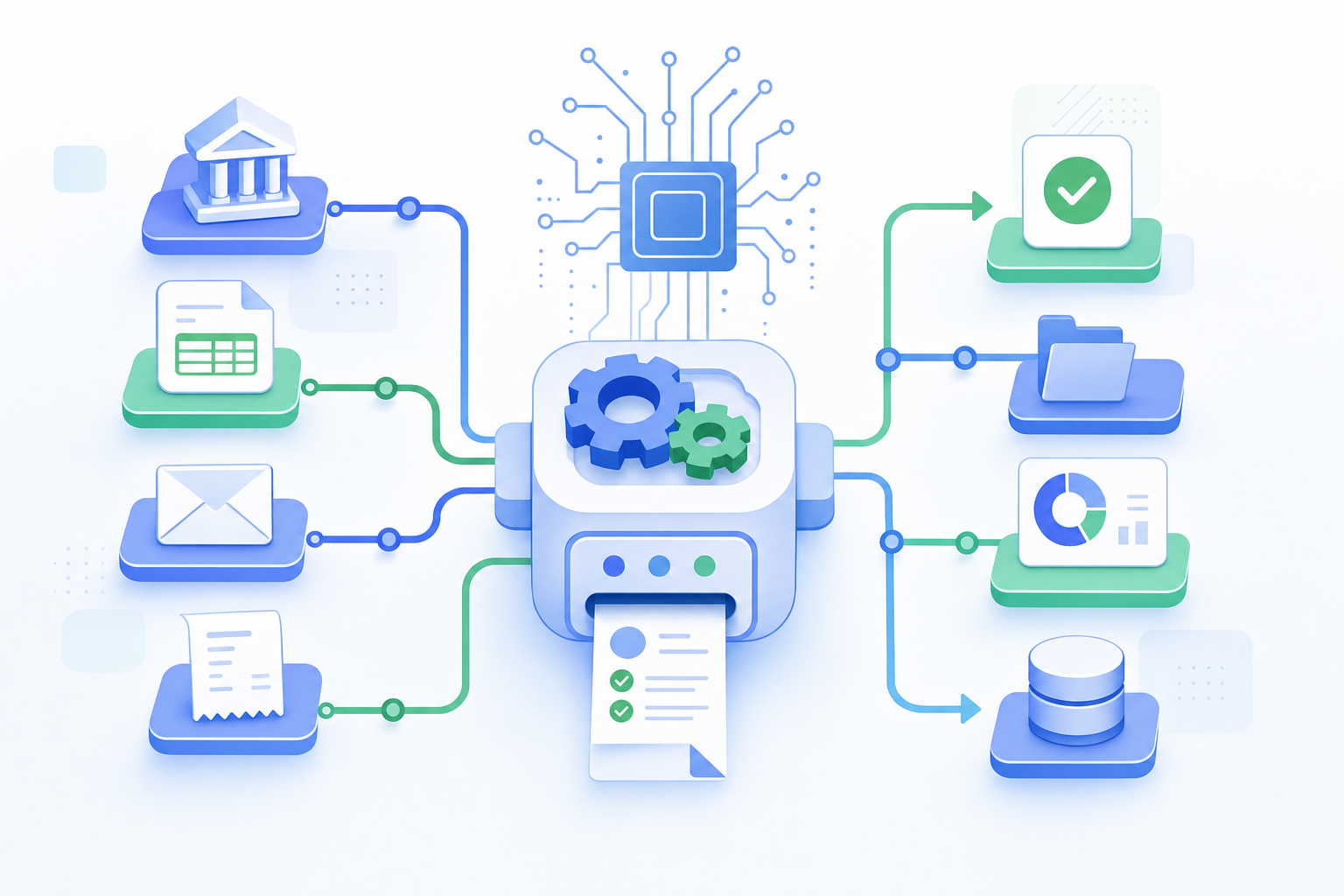
For accounting firms, you get less time chasing clients for missing documents and more time on expert-level work.
According to McKinsey (2017), roughly 60% of occupations have at least 30% of activities that could be automated with current tech. Accounting sits well above that threshold.
How We Assessed These Workflow Automation Tools
Every tool on this list was assessed using publicly available information, verified feature documentation, and direct product knowledge. No sponsored placements.
We looked at five criteria:
- Accounting software integrations: Does it connect natively with QuickBooks Online and Xero, with real two-way sync instead of a basic data export?
- AI-powered transaction processing: Can it automate bank feed categorization, journal entries, and reconciliations, or does it just track tasks from the outside?
- Client communication features: Is there a built-in way to collect documents, send reminders, and manage questions without relying on email threads?
- Close management functionality: Does the tool actually execute close work, or only monitor it?
- Pricing transparency: Are costs visible without requiring a sales call first?
Best Overall Workflow Automation Software for Accounting Firms: Double
Double is purpose-built for accounting firms that want to get more done without hiring more staff. It combines AI-powered task management, client communication, and workflow automation into one tool designed for bookkeepers and accountants.
Where generic tools require heavy configuration, Double works out of the box for accounting use cases. Client onboarding and recurring task automation are all handled automatically.
Firms using Double report spending far less time on administrative back-and-forth, freeing up capacity for higher-value client work.
What Makes Double Stand Out
- AI handles routine client follow-ups so nothing falls through the cracks between busy seasons.
- Recurring workflows like monthly closes and tax prep checklists run on autopilot once configured.
- The interface is built for accountants, so there's no learning curve that eats into billable hours.
- Client-facing communication stays organized and professional without requiring manual tracking across email threads.
If your firm is looking for accounting workflow automation that was actually built with accountants in mind, Double is worth a close look.
Dext
Dext focuses on document capture, using OCR and machine learning to extract vendor names, amounts, and tax details from receipts, invoices, and bank statements before pushing that data into your accounting software.
Here's what's included:
- Connects with 11,500+ banks, e-commerce services, and payment systems, with sync across 30+ accounting tools including QuickBooks, Xero, and Sage
- Mobile app for receipt scanning, mileage tracking, and expense claims on iOS and Android
- Multi-currency support and line-item splitting for complex expense scenarios
- 99.9% data extraction accuracy via AI and OCR (per Dext)
Pricing starts at $34/month for 5 users and 300 documents, scaling to $100/month for 30 users and 4,000 documents. Close management, reconciliations, accruals, and client portal features are not included, so firms needing those will have to bring in additional tools.
Dext works well if receipt OCR is your main gap. For anything beyond that, you're looking at a multi-tool setup.
Karbon
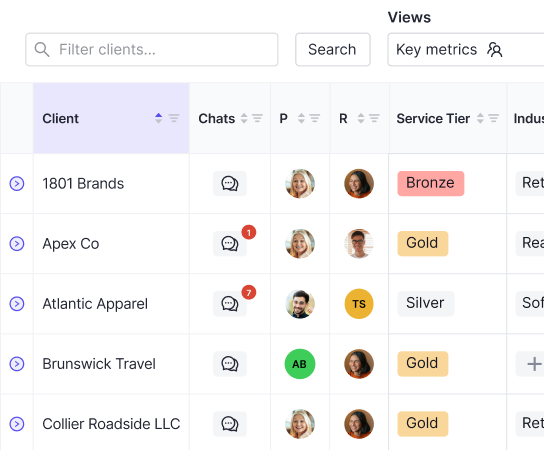
Karbon is a practice management tool built exclusively for accounting firms. It brings together work management, client communication, and team collaboration in one place, which makes it a strong fit for firms that want visibility across their entire book of work.
The workflow features in Karbon are genuinely well-regarded. You can build out templated workflows, assign tasks, and track job status without hunting through emails or spreadsheets. Client communication is threaded directly into work items, so context stays attached to the right job.
That said, Karbon sits at a higher price point, which can be a hurdle for smaller firms or solo practitioners weighing the cost against the features they'll actually use day to day.
Jetpack Workflow
Jetpack Workflow has focused on internal task management and deadline tracking for accounting firms since 2014, helping thousands of firms organize recurring client work.
What They Offer
- Over 70 pre-built templates covering monthly bookkeeping, 1040 tax returns, payroll processing, and quarterly financials
- Automatic job generation based on recurrence settings, from weekly to custom schedules
- Time tracking that integrates with QuickBooks Online
Pricing starts at $30 per user monthly.
It works well for small firms that want simple deadline tracking without the weight of a full practice management system. The gaps are worth knowing, though. Jetpack is one of the few practice management tools without a client portal, and it has no native integrations beyond QuickBooks. Bank feed automation, reconciliations, invoicing, and AI-powered close features are all absent.
For firms wanting consolidated workflow automation, expect to piece together several other tools alongside it.
Feature Comparison Table of Workflow Automation Software
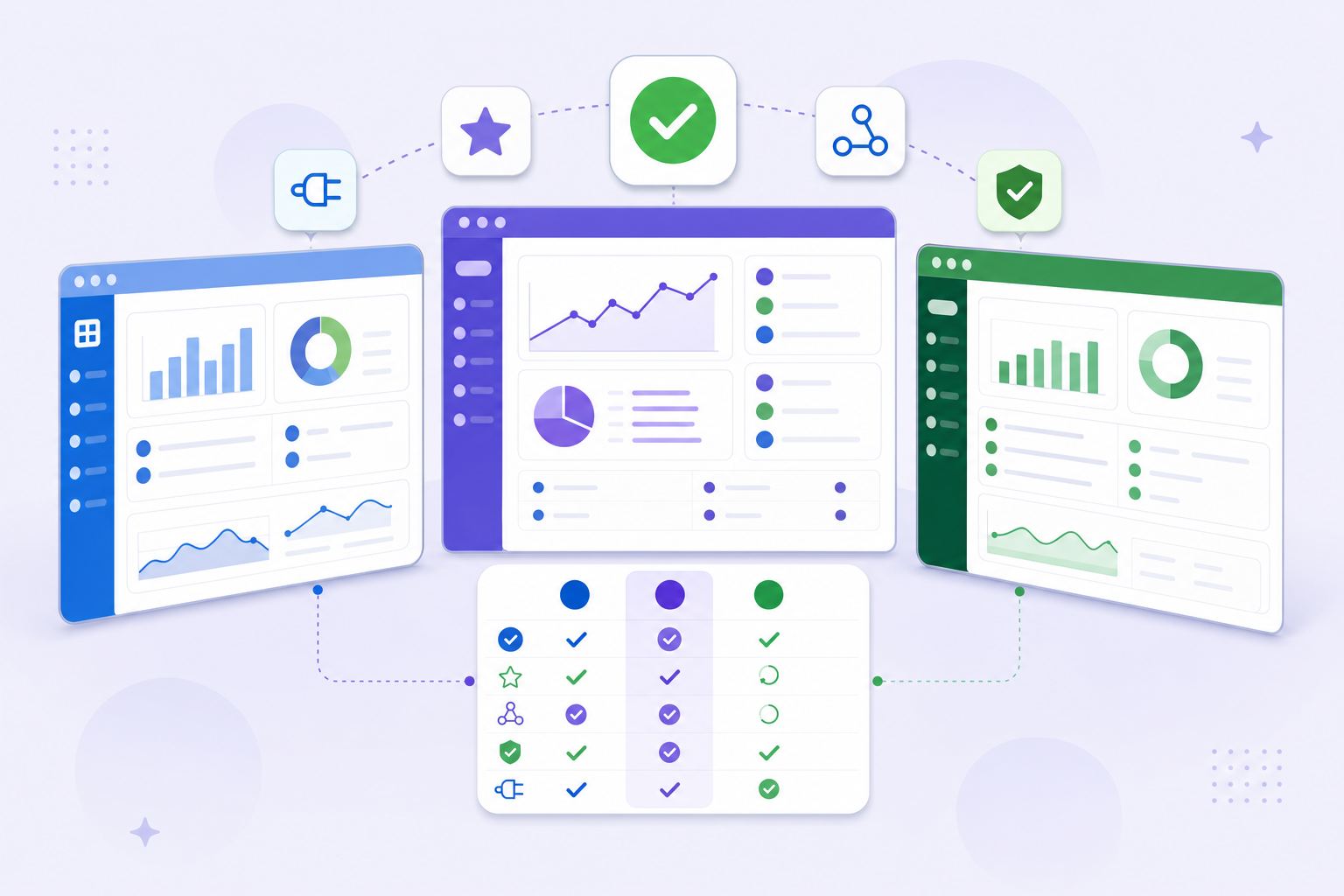
Tool | Best For | Key Automation Features | Starting Price |
|---|---|---|---|
Double | Executive assistants & accounting support | Task delegation, AI scheduling, document handling | $10/client/mo |
Karbon | Mid-size accounting firms | Client work management, email triage, workflow templates | $59/user/mo |
Jetpack Workflow | Small accounting firms | Job tracking, recurring workflows, client reminders | $36/user/mo |
Financial Cents | Bookkeeping firms | Client portal, automated reminders, time tracking | $19/user/mo |
Canopy | Full-service CPA firms | Document management, billing automation, tax workflows | $50/user/mo |
Ignition | Proposal and billing automation | Automated proposals, payment collection, client onboarding | $39/mo |
Pricing and features shift frequently, so always verify current details directly with each vendor before making a decision.
Why Double is the Best Workflow Automation Software for Accounting Firms
Double was built for accounting firms, which means the automation logic actually fits the way accountants work. There's no need to wrestle with generic tools and bend them into something usable.
Here's what sets Double apart:
- Recurring task automation handles month-end closes, payroll cycles, and tax prep deadlines without manual setup each time.
- Client workflow tracking gives your whole team visibility into where every engagement stands, so nothing slips through.
- Document routing and approval flows move files to the right people automatically, cutting turnaround time on reviews.
- AI-assisted data entry reduces the repetitive input work that quietly drains hours from a bookkeeper's week.
Double connects with the tools accounting firms already use, so adoption is straightforward. If your firm is ready to stop babysitting workflows and start trusting them, doublehq.com is a good place to start.
Final Thoughts on Automated Workflows for Accounting
The right automated accounting workflows give you capacity without adding headcount. You already know which tasks eat up your week, the question is whether you want to keep doing them manually. If your firm is ready to stop babysitting recurring work, book a Double demo to walk through what automation actually looks like in practice. Better systems mean more time for the work that actually needs your brain.